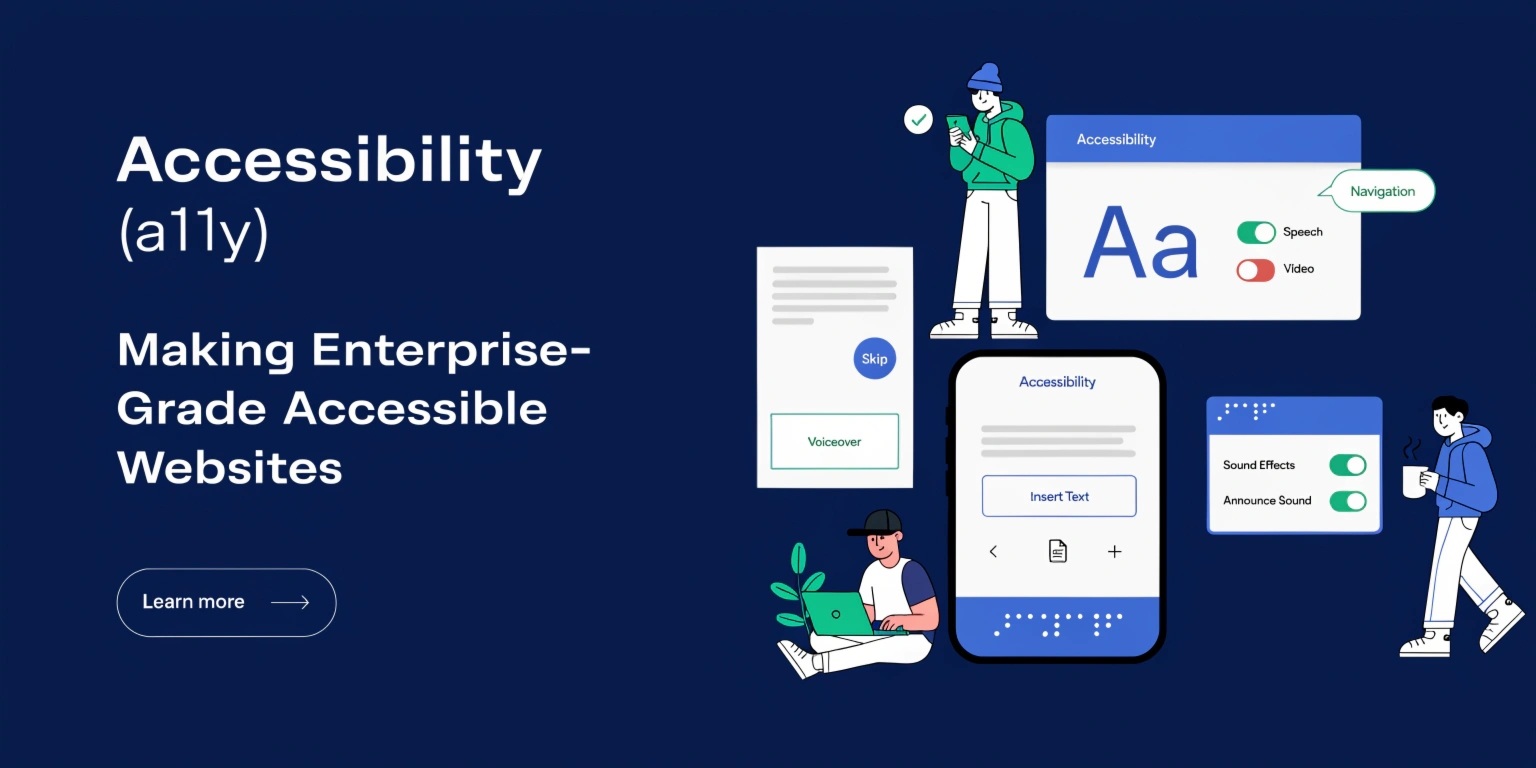
Accessibility (a11y) is no longer optional—it is a fundamental requirement for modern web development, especially at the enterprise level. Building accessible websites ensures that digital experiences are inclusive, usable, and compliant with global standards. More importantly, it enables people with disabilities to interact with your website effectively, improving both reach and reputation.
What is Accessibility (a11y)?
Accessibility refers to designing and developing websites that can be used by everyone, including individuals with visual, auditory, motor, or cognitive impairments. This includes compatibility with assistive technologies like screen readers, voice navigation, and keyboard-only interactions.
Enterprise-grade accessibility goes beyond basic compliance. It focuses on scalability, consistency, and seamless user experience across devices and user needs.
Why Accessibility Matters for Enterprises
1. Legal Compliance
Many countries enforce accessibility laws such as ADA (Americans with Disabilities Act) and WCAG (Web Content Accessibility Guidelines). Non-compliance can lead to legal consequences and financial penalties.
2. Expanded Audience Reach
Accessible websites cater to a wider audience, including millions of users with disabilities.
3. Improved SEO
Search engines favor structured, semantic, and user-friendly websites—key components of accessibility.
4. Brand Reputation
Inclusive brands build trust and loyalty among users.
Core Principles of WCAG
The WCAG guidelines are built on four principles:
- Perceivable: Content must be visible or audible to all users
- Operable: Users must be able to navigate the site easily
- Understandable: Content should be clear and predictable
- Robust: Compatible with assistive technologies
These principles serve as the foundation for enterprise accessibility strategies.
Best Practices for Building Accessible Websites
1. Use Semantic HTML
Semantic elements like <header>, <nav>, <main>, and <footer> help screen readers understand page structure.
2. Provide Text Alternatives
- Use alt text for images
- Provide captions for videos
- Include transcripts for audio content
3. Ensure Keyboard Accessibility
All functionalities should be accessible via keyboard. Avoid relying solely on mouse interactions.
4. Maintain Color Contrast
Ensure sufficient contrast between text and background to improve readability for visually impaired users.
5. Accessible Forms
- Use proper labels
- Provide error messages
- Ensure logical tab order
Forms are often the most problematic areas in accessibility.
Designing for Assistive Technologies
Assistive technologies play a crucial role in accessibility:
- Screen Readers: Convert text into speech
- Voice Assistants: Enable voice navigation
- Braille Displays: Translate content into tactile output
Developers must test websites with these tools to ensure compatibility.
Accessibility Testing and Tools
Testing is critical for maintaining enterprise-level accessibility.
Automated Tools:
- Lighthouse
- axe DevTools
- WAVE
Manual Testing:
- Keyboard navigation checks
- Screen reader testing
- User testing with people with disabilities
Automated tools catch basic issues, but manual testing ensures real-world usability.
Integrating Accessibility into Development Workflow
Accessibility should not be an afterthought. It must be integrated into every stage of development:
- Design Phase: Use accessible color palettes and layouts
- Development Phase: Follow semantic coding practices
- Testing Phase: Perform continuous accessibility audits
- Deployment: Monitor and update regularly
Adopting a “shift-left” approach ensures accessibility is built from the beginning.
Challenges in Enterprise Accessibility
Enterprises often face challenges such as:
- Large, complex codebases
- Multiple teams working on different modules
- Legacy systems lacking accessibility support
To overcome these:
- Establish accessibility guidelines
- Train teams regularly
- Use design systems with built-in accessibility
Future of Accessibility (a11y)
With the rise of AI and voice interfaces, accessibility is evolving rapidly. Features like real-time captions, AI-powered screen readers, and adaptive interfaces are shaping the future.
Enterprises that invest in accessibility today will be better prepared for tomorrow’s digital landscape.
Conclusion
Building enterprise-grade accessible websites is about more than compliance—it’s about inclusivity, usability, and innovation. By following a11y best practices, leveraging modern tools, and embedding accessibility into your workflow, you can create digital experiences that truly serve everyone.
Accessibility is not a limitation—it’s an opportunity to build better, smarter, and more human-centered technology.