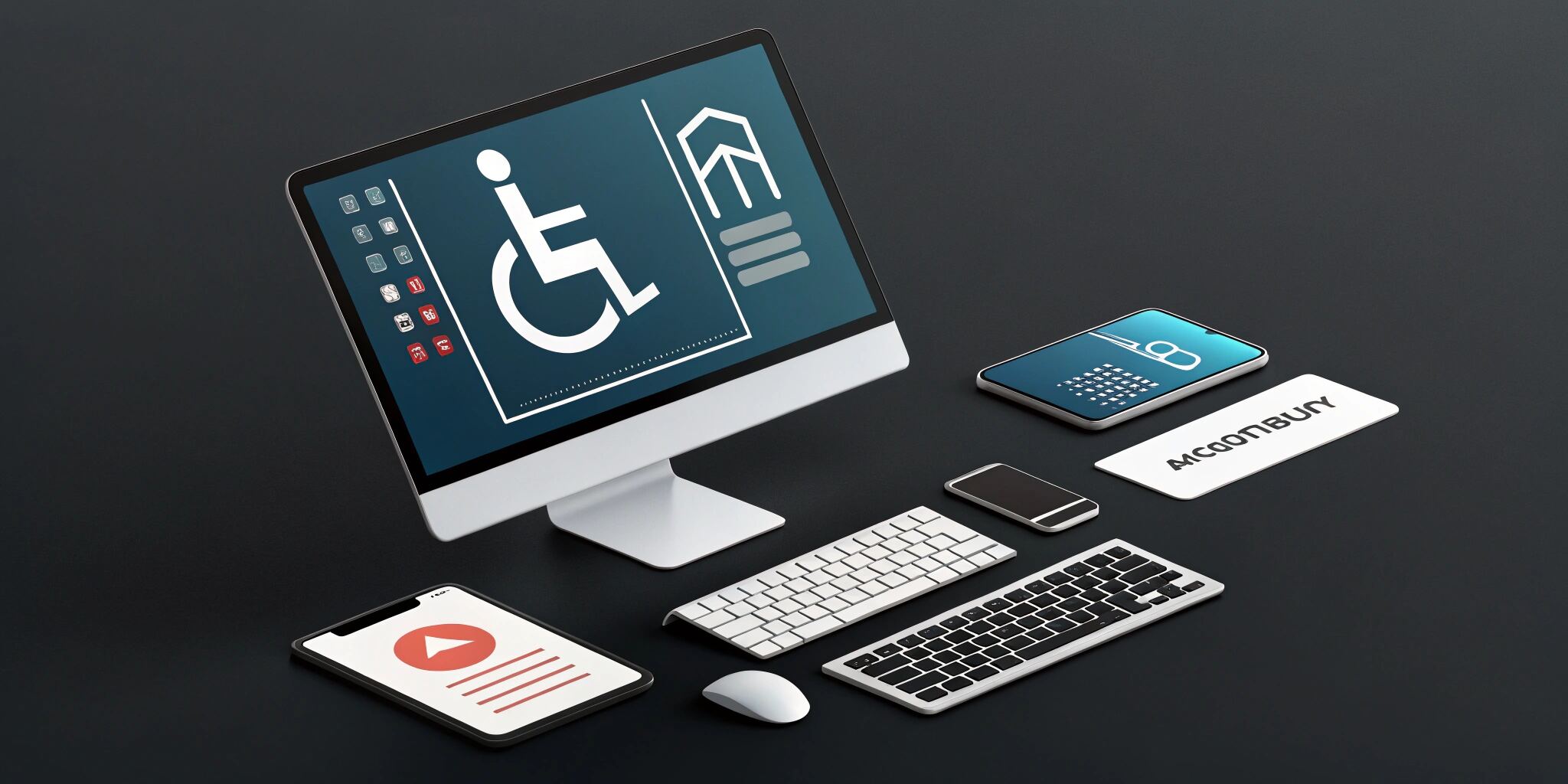
Web accessibility, also known as a11y, ensures that websites and applications are usable by everyone, including people with disabilities. In 2025, it’s not just a best practice—it’s a necessity for legal compliance, better usability, and broader reach.
What is Web Accessibility?
Accessibility means designing digital experiences that work for people who may rely on assistive technologies, alternative input methods, or personalized settings to navigate the web. This includes users with visual, hearing, motor, or cognitive impairments.
Why It Matters
- Global Impact: Over 1 billion people live with some form of disability.
- Legal Compliance: Many countries have strict accessibility regulations (like ADA, WCAG, and Section 508).
- Business Value: Accessible sites perform better with SEO, improve brand reputation, and reduce the risk of lawsuits.
Best Practices for Web Accessibility
1. Use Clear and Consistent Structure
Organize content logically with headings, paragraphs, and lists. Make it easy to navigate and scan.
2. Enable Full Keyboard Navigation
Many users rely on keyboards or alternative devices. Ensure users can move through your site without a mouse.
3. Provide Alternative Text for Images
Describe visuals using short, meaningful text so that screen readers can communicate the content to visually impaired users.
4. Ensure Strong Color Contrast
Text should stand out clearly from the background, especially for users with low vision or color blindness.
5. Use Descriptive Links and Buttons
Avoid vague link text like “click here.” Use descriptive language that tells users where the link goes or what the button does.
6. Offer Captions and Transcripts
For videos or audio content, provide captions or written transcripts so hearing-impaired users can still access the information.
7. Design Accessible Forms
Clearly label all form fields and give helpful instructions and feedback when users make mistakes.
8. Avoid Relying on Color Alone
Use more than just color (like symbols or text) to communicate status or categories—for example, in alerts or charts.
9. Create Clear Focus Indicators
When navigating with a keyboard, users should be able to see which part of the page they are currently interacting with.
10. Test with Real People and Tools
Use screen readers and accessibility checkers, but also conduct usability tests with people who have different abilities.
Common Accessibility Issues
- Hard-to-read text or unclear instructions
- Interactive elements that don’t work without a mouse
- Inaccessible popups or error messages
- Missing captions or audio descriptions
- Poor layout when users zoom in or change font sizes
Helpful Accessibility Tools (No Code Needed)
- Lighthouse (Browser tool) – Quickly checks accessibility scores
- WAVE by WebAIM – Evaluates accessibility with visual feedback
- NVDA or VoiceOver – Popular screen readers to test how your site sounds
- Color contrast checkers – Make sure text is easy to read for everyone
Conclusion
Web accessibility is about creating digital spaces that work for all users, not just the majority. By following these best practices, developers and designers can build more inclusive web applications that are functional, ethical, and future-ready.