The animation industry has always evolved alongside technology. From hand-drawn animation and digital drawing tablets to sophisticated compositing software and real-time rendering, every technological shift has changed how artists create visual stories.
The emergence of generative artificial intelligence represents another major transformation.
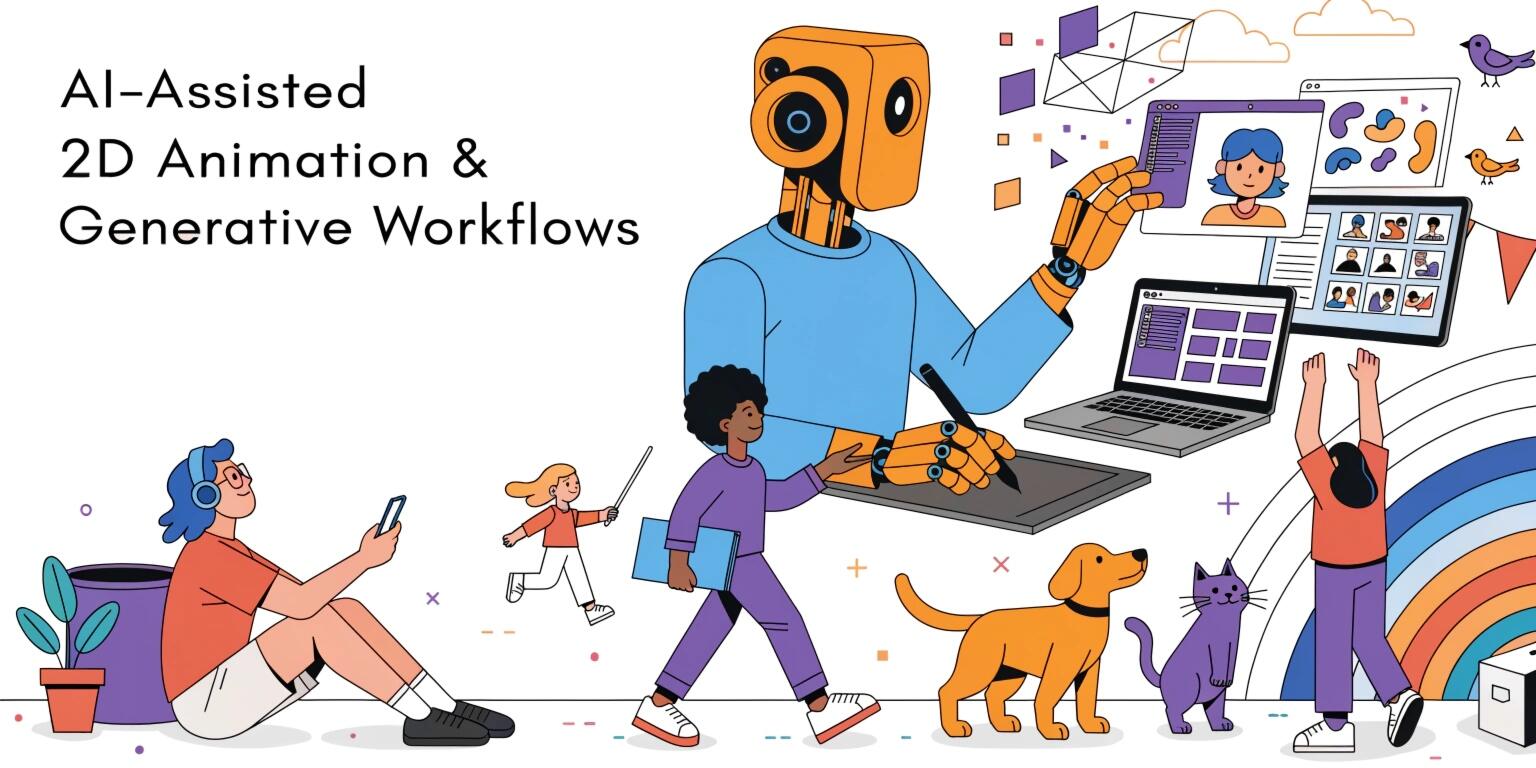
AI-assisted 2D animation workflows can help artists generate concepts, automate repetitive tasks, create variations, produce intermediate frames, synchronize dialogue, and accelerate production. Rather than completely replacing traditional animation, the most practical approach is to combine AI capabilities with human artistic direction.
This creates a hybrid workflow where machines handle repetitive or computationally intensive tasks while artists focus on storytelling, character performance, visual identity, and creative decisions.
What Is AI-Assisted 2D Animation?
AI-assisted 2D animation refers to the use of machine-learning and generative-AI technologies to support different stages of animation production.
Traditional 2D animation may require artists to manually create:
- Character designs
- Keyframes
- In-between frames
- Backgrounds
- Facial expressions
- Lip movements
- Visual effects
- Compositing elements
AI can assist with some of these activities.
The objective is not necessarily full automation. Instead, AI can function as a creative production assistant that reduces repetitive work and accelerates experimentation.
AI in the Animation Production Pipeline
A modern AI-assisted workflow can look like:
Story → Script → Storyboard → Character Design → Keyframes → AI-Assisted In-Betweening → Backgrounds → Lip Sync → Compositing → Editing
AI can potentially contribute at several stages.
However, each stage requires different levels of human supervision.
Creative decisions such as storytelling, visual direction, character personality, and final artistic quality should remain under human control.
AI-Assisted Storyboarding
Storyboarding is one of the earliest stages of animation production.
Artists traditionally create rough sketches representing important shots and camera compositions.
Generative AI can help visualize early concepts quickly.
For example, a written description such as:
"A character walks through a futuristic city at sunset"
can be transformed into visual references that help a production team explore possible compositions.
AI-generated storyboards can help teams:
- Explore camera angles
- Test compositions
- Visualize environments
- Create shot references
- Iterate on concepts quickly
However, generated images may contain inconsistent characters or inaccurate spatial relationships. Human artists should therefore refine important storyboards before production.
AI-Assisted Character Design
Character development is another area where generative systems can accelerate ideation.
Artists can experiment with:
- Clothing
- Hairstyles
- Expressions
- Body proportions
- Color schemes
- Accessories
- Character poses
Instead of manually drawing dozens of concepts, artists can generate multiple visual directions and select promising ideas.
The challenge is character consistency.
A character may look different across generated images unless the workflow uses carefully controlled references, model settings, poses, and design assets.
For professional animation, maintaining a consistent character model is essential.
Generating Animation Keyframes
Keyframes define important positions or poses within an animation.
AI systems can potentially assist artists by generating or predicting intermediate poses from existing keyframes.
For example:
Key Pose A → AI-Assisted Intermediate Motion → Key Pose B
This can reduce manual workload for repetitive movement.
However, automated motion generation can sometimes produce unnatural poses or violate the intended acting style.
Artists should review generated frames rather than treating them as automatically production-ready.
AI-Assisted In-Betweening
Traditional animation often requires artists to create frames between major poses.
This process is known as in-betweening.
AI can estimate intermediate frames based on surrounding keyframes.
For example:
Frame 1 → AI → Frame 2 → AI → Frame 3
This can be particularly useful for simple motion.
For complex animation involving clothing, overlapping objects, unusual poses, or exaggerated movement, human correction may still be necessary.
The ideal workflow combines automation with manual cleanup.
AI-Generated Backgrounds
Background production can consume significant time, especially when scenes require multiple locations.
Generative AI can help artists explore:
- Landscapes
- Buildings
- Interiors
- Fantasy environments
- Sci-fi cities
- Natural scenes
Artists can generate initial concepts and then paint, edit, or composite them into production-ready backgrounds.
This can shorten concept-development cycles while preserving artistic control.
Maintaining Visual Consistency
One of the biggest challenges with generative animation is consistency.
A character generated in one frame may have slightly different:
- Facial features
- Clothing
- Body proportions
- Colors
- Accessories
The same problem can occur with environments.
Professional workflows therefore need reference images, structured assets, controlled generation methods, and manual correction.
Consistency is particularly important for serialized animation where the same characters and locations appear repeatedly.
AI Lip Synchronization
Dialogue animation traditionally requires animators to synchronize mouth shapes with speech.
AI-assisted lip-sync systems can analyze audio and generate corresponding mouth movements.
A simplified workflow is:
Voice Recording → Speech Analysis → Phoneme Detection → Mouth Shapes → Animation
This can dramatically reduce repetitive work.
However, lip synchronization is not only about matching phonemes. Good character acting also requires facial expressions, emotions, timing, and body language.
Human animation direction remains important for convincing performances.
AI-Assisted Facial Animation
Facial animation can involve numerous small movements.
AI can help estimate:
- Eye movement
- Eyebrow movement
- Mouth movement
- Head movement
- Facial expressions
This can be useful for dialogue-heavy productions.
The generated performance can then be refined by animators to match the character's personality and emotional state.
Generative Motion and Pose Assistance
AI can assist with generating motion references or suggesting poses.
For example, an animator could provide:
Starting Pose + Ending Pose + Motion Description
The system may generate intermediate movement suggestions.
This can accelerate blocking and experimentation.
However, generated motion should be treated as a starting point rather than an unquestionable final result.
AI-Assisted Compositing
Compositing combines different visual elements into a final shot.
AI can assist with tasks such as:
- Object isolation
- Background removal
- Mask generation
- Rotoscoping assistance
- Image cleanup
- Visual enhancement
- Layer organization
These tasks can be repetitive and time-consuming.
Automating portions of them can allow artists to spend more time on creative decisions.
Generative Effects
AI can also support visual-effect experimentation.
Artists can generate concepts for:
- Smoke
- Fire
- Energy effects
- Magical particles
- Weather
- Environmental atmosphere
These generated elements can serve as references or production assets depending on quality, consistency, and licensing requirements.
AI and Game Development
AI-assisted 2D animation is particularly relevant to game development.
Games often require large numbers of animations for:
- Player characters
- NPCs
- Enemies
- UI elements
- Cutscenes
- Environmental objects
AI can help generate variations and accelerate repetitive animation tasks.
For indie developers, this can be particularly valuable because small teams often have limited animation resources.
However, game-ready assets still need to meet technical requirements related to sprite dimensions, frame rates, memory, rigging, engine compatibility, and performance.
Human-in-the-Loop Workflows
A practical AI animation pipeline should keep artists involved.
A strong workflow can be:
Generate → Review → Refine → Approve → Integrate
AI produces an initial result.
The animator evaluates it.
Unwanted elements are corrected.
The final asset is approved before entering production.
This approach combines AI speed with human judgment.
Automation of Repetitive Tasks
The greatest productivity benefits may come from repetitive operations rather than complete creative automation.
Examples include:
- Frame interpolation
- Asset tagging
- Lip synchronization
- Background variations
- Rotoscoping assistance
- Mask generation
- Image cleanup
- Batch processing
Automating these tasks can reduce production time without removing artistic control.
Quality Control
AI-generated animation requires systematic quality checks.
Teams should evaluate:
- Character consistency
- Frame-to-frame stability
- Motion quality
- Anatomical accuracy
- Visual artifacts
- Background consistency
- Lip-sync accuracy
- Resolution
- Color consistency
Automated checks can identify some technical issues, while experienced animators should evaluate artistic quality.
Intellectual Property Considerations
Generative AI introduces important questions around intellectual property and asset ownership.
Production teams should understand:
- How generated assets are licensed
- Whether source material was authorized
- What rights apply to generated content
- Whether commercial use is permitted
- How third-party assets are incorporated
Organizations should establish clear internal policies before using AI-generated content commercially.
Protecting Creative Identity
AI can make content generation faster, but speed alone does not create a unique visual identity.
Studios should establish clear creative guidelines covering:
- Character design
- Color language
- Animation principles
- Composition
- Typography
- Visual effects
- Art direction
AI systems should operate within these guidelines rather than determining the studio's entire visual style.
AI Does Not Replace Animation Principles
Animation still depends on foundational principles such as:
- Timing
- Spacing
- Anticipation
- Squash and stretch
- Follow-through
- Exaggeration
- Staging
- Appeal
AI-generated frames may technically create movement without producing convincing animation.
Experienced animators are therefore essential for ensuring that generated motion communicates emotion, weight, personality, and intention.
Building an AI-Assisted Animation Workflow
Organizations can introduce AI gradually.
Step 1: Identify Repetitive Tasks
Find production activities that consume significant manual effort.
Step 2: Test AI-Assisted Tools
Evaluate solutions against real production assets.
Step 3: Establish Review Processes
Define where human approval is mandatory.
Step 4: Create Style Guidelines
Develop references for characters, environments, colors, and motion.
Step 5: Measure Productivity
Track production time, revision cycles, quality, and costs.
Step 6: Scale Successful Workflows
Expand AI usage only after proving that it improves the production pipeline.
Benefits of AI-Assisted Animation
When implemented carefully, AI can provide several advantages:
- Faster concept development
- Reduced repetitive work
- More rapid experimentation
- Lower production overhead
- Faster asset variations
- Improved prototyping
- Increased productivity for small teams
The greatest benefit is often the ability to spend more time on high-value creative decisions.
Challenges
AI-assisted animation also introduces challenges:
- Inconsistent characters
- Unpredictable outputs
- Limited artistic control
- Quality variations
- Intellectual property concerns
- Tool dependency
- Additional review requirements
Therefore, organizations should treat AI as part of a broader production workflow rather than a replacement for established animation practices.
The Future of AI-Assisted 2D Animation
Future animation systems are likely to become more controllable.
Instead of simply generating an image from a prompt, creators may increasingly work with systems that understand:
- Character rigs
- Scene layouts
- Camera movements
- Animation timelines
- Style references
- Dialogue
- Motion constraints
This could enable artists to describe high-level intentions while maintaining precise control over important production elements.
The future is likely to be less about AI replacing animators and more about animators directing intelligent creative tools.
Conclusion
AI-assisted 2D animation is transforming how creative teams approach production. From storyboarding and character ideation to in-betweening, lip synchronization, background generation, motion assistance, and compositing, AI can reduce repetitive work and accelerate creative experimentation.
However, successful implementation requires more than generating content automatically. Consistency, artistic direction, quality control, intellectual property, and human oversight remain critical.
The strongest approach is a hybrid workflow where AI handles suitable repetitive or computational tasks while animators remain responsible for storytelling, performance, visual identity, and final creative decisions.
As AI technologies become more controllable and integrated with professional animation pipelines, studios, game developers, and independent creators can build faster and more flexible production workflows without sacrificing the artistic principles that make animation compelling.