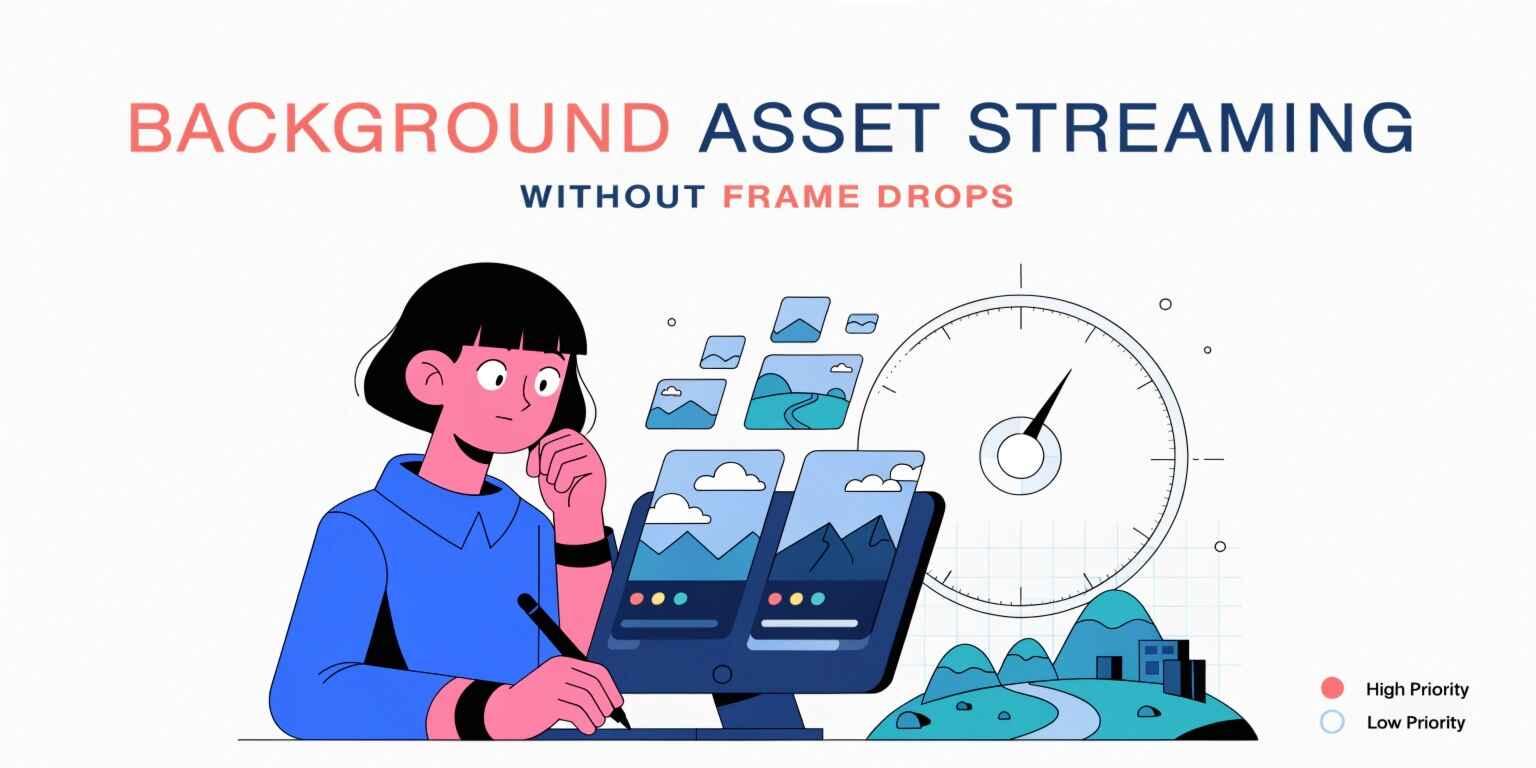
Background Asset Streaming Without Frame Drops: A Modern Game Development Guide
Modern video games have evolved dramatically over the past decade. Today's players expect vast open worlds, ultra-high-resolution textures, realistic environments, and seamless transitions between locations. However, delivering these experiences presents a significant technical challenge: loading massive amounts of game data without interrupting gameplay.
This is where background asset streaming becomes essential. Asset streaming allows game engines to load textures, models, audio files, animations, and environment data dynamically while the game is running. When implemented correctly, players experience smooth gameplay without noticeable loading screens or performance hiccups.
In this article, we'll explore how background asset streaming works, why frame drops occur, and the best practices for achieving seamless performance.
What Is Background Asset Streaming?
Background asset streaming is the process of loading and unloading game assets dynamically during gameplay instead of loading everything into memory at startup.
Assets commonly streamed include:
- 3D Models
- Textures
- Audio Files
- Animations
- Environmental Objects
- Terrain Data
- Visual Effects
Rather than consuming large amounts of memory upfront, streaming systems load only the assets needed for the player's current location or activity.
This approach is particularly important in:
- Open-world games
- MMORPGs
- Racing games
- Simulation games
- Large mobile games
- Virtual Reality experiences
Why Frame Drops Happen During Asset Loading
Frame drops occur when asset loading operations compete with rendering and gameplay systems for CPU, GPU, storage, or memory resources.
Common causes include:
Synchronous Loading
When the game pauses execution to load assets, the main thread becomes blocked.
This can result in:
- Stuttering
- Freezing
- Delayed player input
- Reduced frame rates
Excessive Memory Allocation
Loading large assets unexpectedly can trigger memory allocation spikes and garbage collection events.
These interruptions often cause noticeable performance issues.
Disk I/O Bottlenecks
Reading large amounts of data from storage devices may overwhelm system bandwidth, particularly on slower hardware.
Asset Decompression Overhead
Compressed assets must be decompressed before use, requiring additional CPU processing.
Poorly optimized decompression workflows can create frame-time spikes.
The Importance of Asynchronous Loading
One of the most effective solutions is asynchronous asset loading.
Instead of loading assets on the main thread, asynchronous systems use worker threads to perform loading operations in the background.
Benefits include:
- Smooth frame rates
- Responsive gameplay
- Better CPU utilization
- Reduced loading interruptions
Most modern engines support asynchronous asset loading natively.
Examples include:
Unity
Unity provides:
- Addressables System
- Asset Bundles
- AsyncOperation APIs
These systems allow developers to load content without blocking gameplay.
Unreal Engine
Unreal Engine supports:
- Async Loading Threads
- World Partition
- Level Streaming
- Asset Manager Framework
These tools are designed specifically for large-scale environments.
Level Streaming Techniques
Level streaming is a specialized form of asset streaming that loads sections of the game world dynamically.
Instead of loading an entire map, the game loads nearby areas while unloading distant regions.
Benefits include:
- Lower memory usage
- Faster startup times
- Improved performance
- Larger game worlds
Open-world games frequently use this approach to maintain performance while offering expansive environments.
Asset Prioritization Strategies
Not all assets are equally important.
Effective streaming systems prioritize assets based on player needs.
High-Priority Assets
These include:
- Nearby characters
- Immediate environment objects
- Active gameplay elements
Medium-Priority Assets
Examples include:
- Nearby buildings
- Secondary objects
- Environmental decorations
Low-Priority Assets
These may include:
- Distant terrain
- Future gameplay areas
- Background scenery
Prioritization ensures critical assets load first, preventing visible pop-ins and performance issues.
Texture Streaming Optimization
Textures often consume the largest portion of game memory.
Texture streaming systems dynamically adjust texture quality based on:
- Camera distance
- Available memory
- Hardware capability
- Current performance metrics
Techniques include:
Mipmapping
Mipmaps use multiple texture resolutions.
Lower-resolution versions are displayed for distant objects, reducing memory and bandwidth requirements.
Texture Compression
Compression formats help minimize storage and memory consumption without significant visual quality loss.
Dynamic Resolution Management
Modern engines can automatically adjust texture loading behavior based on system resources.
Memory Management Best Practices
Efficient memory management is critical for successful asset streaming.
Recommended practices include:
Asset Pooling
Reuse frequently accessed assets instead of constantly loading and unloading them.
Memory Budgeting
Allocate memory limits for specific asset categories.
Predictive Loading
Load assets before they become visible to players.
Asset Cleanup
Remove unused resources promptly to prevent memory leaks.
These techniques reduce performance spikes and improve stability.
Monitoring and Profiling Performance
Optimization should always be data-driven.
Developers should continuously profile:
- Frame times
- CPU usage
- GPU usage
- Memory consumption
- Disk throughput
Modern profiling tools include:
- Unity Profiler
- Unreal Insights
- PIX
- RenderDoc
- NVIDIA Nsight
Profiling helps identify bottlenecks before they impact players.
Emerging Technologies
New hardware and software innovations continue to improve asset streaming.
Examples include:
DirectStorage
DirectStorage enables faster asset transfers between storage devices and GPUs.
SSD-Based Streaming
Modern SSDs significantly reduce loading delays.
Virtual Texturing
Only visible texture portions are loaded into memory.
AI-Assisted Streaming
Machine learning models can predict player movement and preload assets intelligently.
These technologies are shaping the future of real-time game performance optimization.
Conclusion
Background asset streaming has become a fundamental component of modern game development. As games grow larger and more complex, developers must ensure assets are loaded efficiently without disrupting gameplay. Through asynchronous loading, level streaming, intelligent prioritization, memory optimization, and continuous profiling, studios can eliminate frame drops and create immersive experiences that feel seamless to players.
Whether developing for mobile devices, consoles, PCs, or virtual reality platforms, mastering asset streaming techniques is essential for delivering high-performance games that meet modern player expectations.