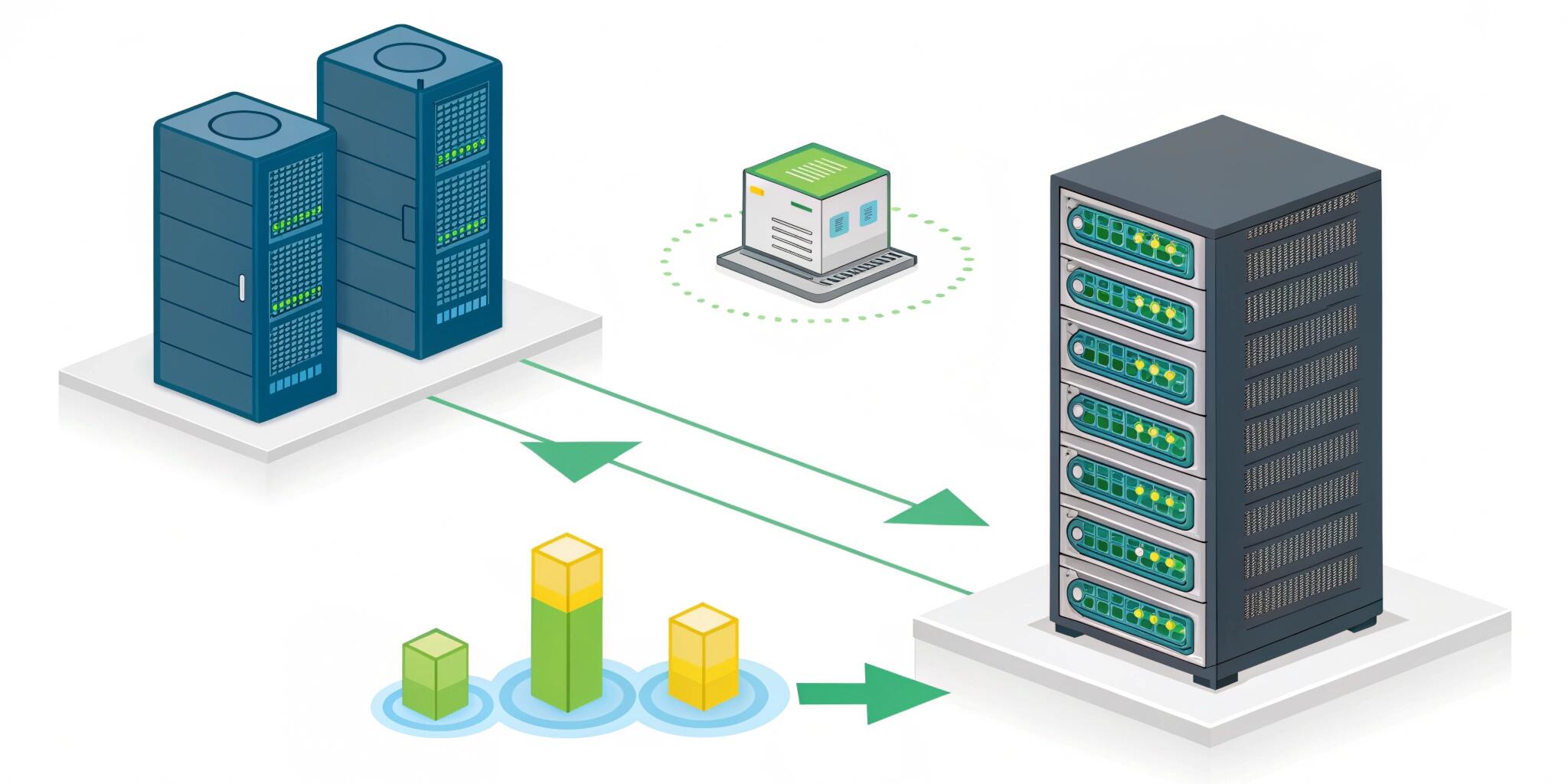
Releasing new features is exciting—but also risky. A single bug in production can crash your application, affect thousands of users, and damage business reputation. Traditional deployment methods often replace the old version with the new one instantly, which means if something goes wrong, every user is affected.
Modern DevOps practices solve this problem using safe deployment strategies, especially Blue-Green Deployment and Canary Deployment. These approaches allow teams to release software with minimal risk and almost zero downtime.
Let’s understand how they work and when to use them.
The Problem with Traditional Deployments
In a traditional deployment:
- server is updated
- application restarts
- all users now use new version
Risks:
- downtime during restart
- database migration failures
- unexpected bugs
- broken APIs
- slow rollback
If the new version has a critical issue, rolling back may take minutes or even hours.
What Is Blue-Green Deployment?
Blue-Green deployment uses two identical production environments:
- Blue Environment → currently live version
- Green Environment → new version
How It Works
- Users are connected to Blue (current app)
- New version is deployed to Green
- Test Green internally
- Switch traffic from Blue → Green using load balancer
The switch happens almost instantly.
Key Advantage: Instant Rollback
If a problem occurs:
Simply route traffic back to Blue.
No reinstall.
No downtime.
No panic fixes.
When to Use Blue-Green Deployment
Best for:
- SaaS platforms
- e-commerce websites
- payment systems
- applications requiring zero downtime
Blue-Green Challenges
- requires duplicate infrastructure
- database migrations must be backward compatible
- higher cost (two environments)
What Is Canary Deployment?
Canary deployment releases the new version gradually to a small percentage of users instead of everyone.
The name comes from coal mines, where canary birds were used as early warning systems.
How It Works
- 5% users → new version
- monitor performance
- 20% users → new version
- 50% users → new version
- 100% release if stable
If issues appear early, rollout stops.
Why Canary Is Powerful
You are testing your software in real production conditions with real users, but without risking everyone.
You can detect:
- performance issues
- crashes
- memory leaks
- database load problems
- UI errors
Monitoring Is Critical
Canary deployments depend on strong monitoring.
Track:
- error rate
- response time
- CPU/memory usage
- API failures
- user behavior
If metrics worsen → rollback immediately.
Blue-Green vs Canary Deployment
FeatureBlue-GreenCanaryRelease MethodInstant switchGradual rolloutRisk LevelLowVery lowRollbackImmediateControlled stopInfrastructure CostHighModerateMonitoring RequirementMediumHighUser ExposureAll users at onceSmall group first
Role of Load Balancers & Traffic Routing
Both strategies rely on traffic control.
Load balancers or gateways:
- route users to specific servers
- control percentage rollout
- manage switching instantly
Modern systems use:
- reverse proxies
- API gateways
- Kubernetes services
Database Considerations
Deployments often fail due to database changes.
Important rule:
Database changes must be backward compatible.
Examples:
✔ add new columns first
✔ avoid deleting old columns immediately
✔ use feature flags
Never deploy schema breaking changes before application supports them.
Feature Flags (Very Important)
Feature flags allow enabling/disabling features without redeploying code.
Benefits:
- safer canary releases
- A/B testing
- instant disable if bug found
Example:
Deploy code today → enable feature tomorrow.
CI/CD Pipeline Integration
Blue-Green and Canary work best with CI/CD automation.
Typical pipeline:
- code commit
- automated testing
- build & containerization
- staging deployment
- production deployment (blue-green or canary)
- monitoring & alerts
Automation reduces human error.
Real-World Example
Suppose an e-commerce website launches a new checkout page.
Instead of releasing to all users:
- 5% users see new checkout (canary)
- monitor payment success rate
- if stable → increase rollout
If payment failures rise → disable feature immediately.
This prevents revenue loss.
Best Practices
To implement safe deployments:
✅ automate deployments
✅ monitor production metrics
✅ implement health checks
✅ use feature flags
✅ keep rollback ready
✅ test in staging first
✅ make database changes safely
Final Thoughts
Blue-Green and Canary deployments are essential for modern scalable systems. They help teams release faster, reduce downtime, and protect users from faulty releases. Instead of fearing deployments, organizations can confidently ship updates multiple times a day.
In modern software development, successful teams don’t avoid change—they deploy safely and continuously.