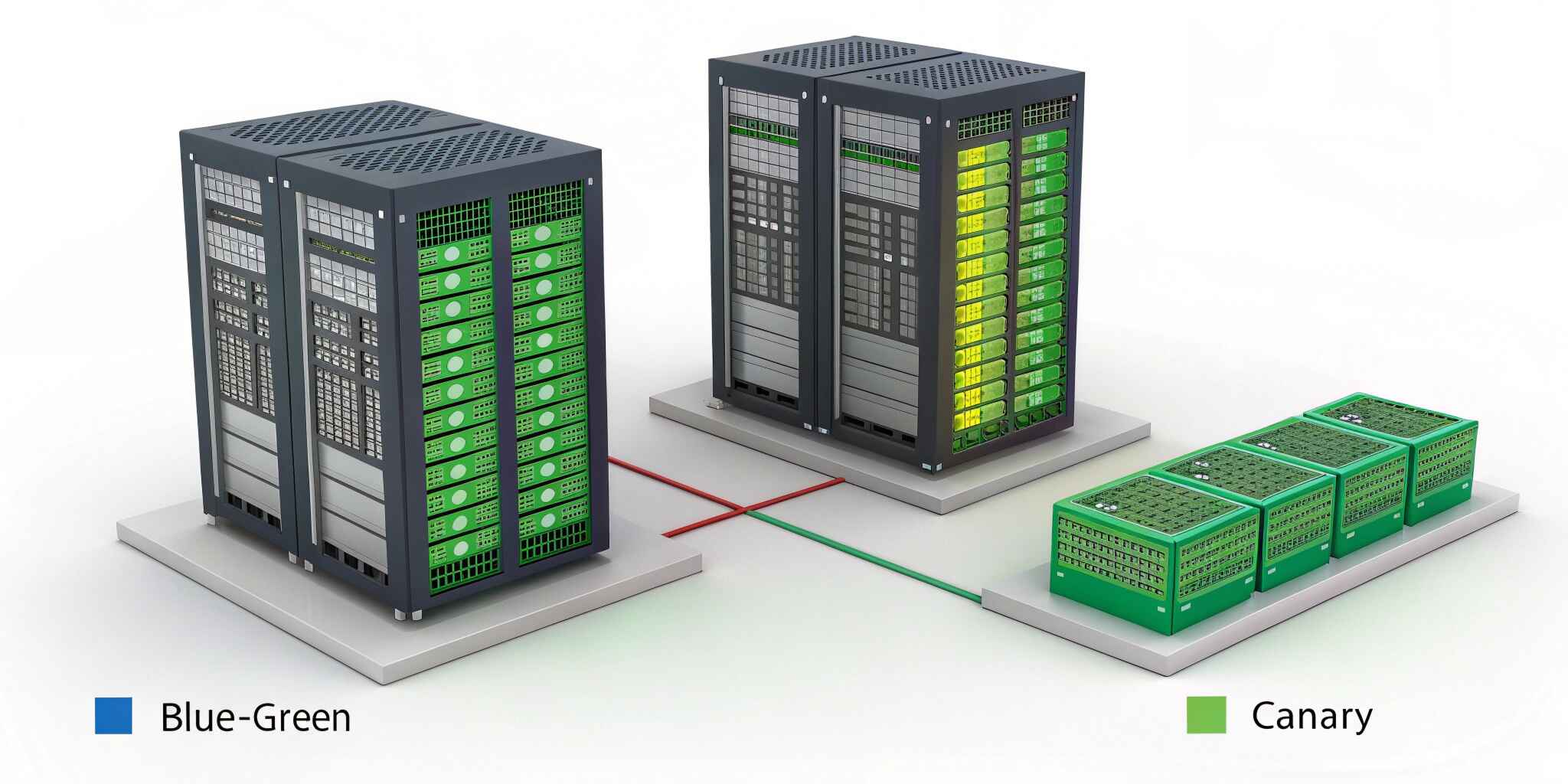
Main Content :
In today’s fast-paced digital ecosystem, mission-critical applications must remain available 24/7. Whether it's financial systems, healthcare platforms, or large-scale SaaS products, downtime is not an option. To ensure reliability and seamless updates, organizations rely on advanced deployment strategies like Blue-Green Deployment and Canary Deployment.
Both methods aim to reduce risk during production releases, but they approach the challenge differently. Understanding their differences is essential for making the right decision.
What is Blue-Green Deployment?
Blue-Green deployment is a strategy where two identical production environments are maintained:
- Blue Environment – Current live version
- Green Environment – New version ready for release
When the new version is fully tested in the Green environment, traffic is switched from Blue to Green instantly. If any issue occurs, traffic can quickly revert back to Blue.
Advantages of Blue-Green Deployment:
- Zero downtime releases
- Instant rollback capability
- Simple concept and implementation
- Reduced deployment risk
Challenges:
- Requires double infrastructure cost
- Database schema changes can be complex
- Not ideal for gradual feature testing
Blue-Green works best when full version replacement is acceptable and rollback speed is critical.
What is Canary Deployment?
Canary deployment releases the new version to a small subset of users first before rolling it out to everyone.
Instead of switching all traffic at once, traffic is gradually shifted:
- 5% → 20% → 50% → 100%
If metrics such as error rates, latency, or user behavior show no issues, the rollout continues. If problems arise, deployment stops or rolls back.
Advantages of Canary Deployment:
- Gradual risk exposure
- Real-user testing
- Improved monitoring and feedback
- Ideal for feature experimentation
Challenges:
- More complex traffic routing
- Requires strong monitoring systems
- Slower full rollout compared to Blue-Green
Canary deployment is especially powerful in cloud-native and microservices architectures.
Key Differences Between Blue-Green and Canary
FeatureBlue-GreenCanaryTraffic ShiftInstant switchGradual rolloutRisk ExposureAll users at onceSmall percentage firstRollbackImmediateControlled and gradualInfrastructure CostHigh (duplicate environments)ModerateMonitoring DependencyModerateHigh
Which Strategy is Best for Mission-Critical Applications?
The answer depends on business requirements, system architecture, and risk tolerance.
Choose Blue-Green When:
- Immediate rollback is essential
- Infrastructure cost is manageable
- System requires strict high availability
- Release versions are stable and fully tested
Choose Canary When:
- You need real-world validation
- Monitoring tools are mature
- Application handles high traffic
- You want gradual feature rollout
Real-World Example Scenarios
Banking System
A financial institution deploying a new transaction engine may prefer Blue-Green due to its instant rollback capability.
E-Commerce Platform
An online retailer testing a new checkout flow may prefer Canary deployment to observe user behavior before full rollout.
SaaS Platform
Cloud-based applications often use Canary with automated scaling and monitoring tools.
Best Practices for Both Strategies
Regardless of the strategy, follow these best practices:
1. Automate CI/CD Pipelines
Use automation tools for build, test, and deployment to minimize human errors.
2. Implement Strong Monitoring
Monitor:
- Error rates
- Latency
- CPU and memory usage
- User experience metrics
3. Use Feature Flags
Feature flags allow enabling or disabling features without redeployment.
4. Database Versioning
Database changes should be backward compatible during deployments.
5. Test Rollback Procedures
Always test rollback plans before production release.
Hybrid Approach: The Best of Both Worlds
Many modern enterprises combine Blue-Green and Canary strategies. For example:
- Deploy using Blue-Green infrastructure
- Gradually shift traffic using Canary routing
This hybrid approach offers both instant rollback and gradual exposure benefits.
Final Thoughts
Both Blue-Green and Canary deployments are powerful release strategies for mission-critical applications. The right choice depends on your risk appetite, infrastructure capacity, and monitoring capabilities.
Blue-Green offers simplicity and instant rollback, making it ideal for highly sensitive systems. Canary provides real-world validation and controlled risk, perfect for dynamic, user-facing applications.
In modern DevOps environments, mastering both strategies gives organizations the flexibility to deliver innovation without compromising stability.

