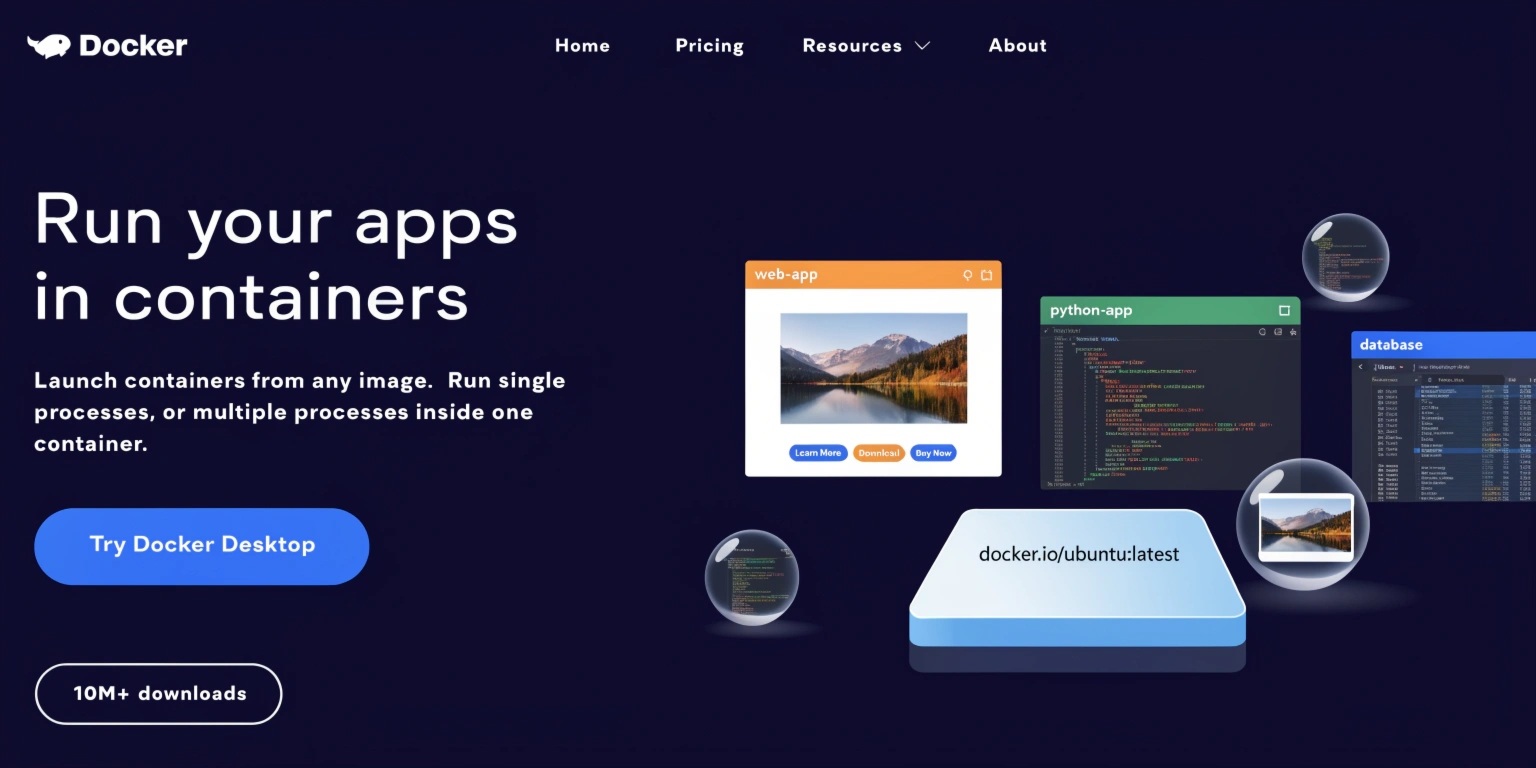
Containerization Using Docker: Modern Application Deployment Simplified
Modern software development requires applications to run consistently across multiple environments, including local systems, testing servers, cloud infrastructure, and production deployments. However, developers often face the classic problem:
“It works on my machine.”
Differences in operating systems, dependencies, configurations, and runtime environments frequently cause deployment failures. Docker solved this challenge through containerization, which has now become one of the most important technologies in modern DevOps and cloud-native development.
Docker allows developers to package applications along with their dependencies into lightweight, portable containers that run consistently across environments.
In this blog, we will explore what Docker containerization is, how it works, its architecture, benefits, use cases, and why it has transformed software deployment workflows globally.
What Is Containerization?
Containerization is a method of packaging software applications along with:
- Libraries
- Dependencies
- Runtime environments
- Configuration files
- System tools
into isolated units called containers.
Unlike traditional virtual machines, containers share the host operating system kernel while remaining isolated from each other.
This makes containers:
- Lightweight
- Fast
- Portable
- Resource-efficient
Containerization ensures applications behave the same way regardless of where they run.
What Is Docker?
Docker is an open-source platform used to build, deploy, and manage containers.
Docker simplifies containerization by providing tools for:
- Creating container images
- Running containers
- Managing dependencies
- Automating deployments
- Sharing applications
Developers can package applications once and deploy them consistently across:
- Development environments
- Testing servers
- Cloud platforms
- Production infrastructure
Docker became popular because it dramatically simplified application deployment and DevOps workflows.
Core Components of Docker
1. Docker Engine
The Docker Engine is the core runtime responsible for:
- Building containers
- Running containers
- Managing container lifecycles
It acts as the main execution environment for Docker applications.
2. Docker Images
Docker images are read-only templates used to create containers.
An image contains:
- Application code
- Dependencies
- Runtime configurations
- System libraries
Images ensure consistency across environments.
For example:
A Node.js application image may contain:
- Node runtime
- Application source code
- Required packages
Docker images are reusable and version-controlled.
3. Docker Containers
Containers are running instances of Docker images.
Each container operates in an isolated environment while sharing the host system kernel.
Containers can:
- Start quickly
- Scale easily
- Run independently
- Communicate via networks
This flexibility makes Docker ideal for microservices architectures.
4. Dockerfile
A Dockerfile is a configuration script containing instructions for building Docker images.
Typical Dockerfile operations include:
- Installing dependencies
- Copying application files
- Setting environment variables
- Defining startup commands
Dockerfiles enable fully automated image creation.
Benefits of Docker Containerization
Environment Consistency
Docker eliminates environment mismatch issues.
Applications behave consistently across:
- Local development
- QA testing
- Staging
- Production
This significantly reduces deployment failures.
Faster Deployment
Containers start within seconds compared to traditional virtual machines.
This enables:
- Rapid testing
- Continuous deployment
- Faster scaling
Speed is especially important in agile and DevOps workflows.
Scalability
Docker makes horizontal scaling much easier.
Organizations can:
- Deploy multiple containers instantly
- Handle traffic spikes
- Scale services independently
This supports modern cloud-native architectures effectively.
Resource Efficiency
Containers consume fewer resources than virtual machines because they share the host operating system kernel.
Benefits include:
- Lower infrastructure costs
- Better hardware utilization
- Improved performance efficiency
Improved DevOps Automation
Docker integrates seamlessly with CI/CD pipelines.
Teams can automate:
- Testing
- Building
- Deployment
- Monitoring
This accelerates software delivery cycles.
Docker and Microservices
Docker is widely used with microservices architecture.
Instead of deploying one large monolithic application, businesses divide systems into smaller independent services.
Each service runs inside its own container.
Benefits include:
- Independent scaling
- Better fault isolation
- Easier maintenance
- Faster deployments
For example:
An eCommerce platform may separate:
- Authentication
- Payments
- Product catalog
- Notifications
- Analytics
into individual containers.
This modular architecture improves flexibility and scalability.
Docker in Cloud Computing
Cloud providers heavily support Docker-based deployment.
Platforms such as:
- AWS
- Google Cloud
- Microsoft Azure
offer native container services.
Containers simplify:
- Multi-cloud deployment
- Infrastructure portability
- Cloud migration
- Edge deployment
Docker has become a foundational technology for cloud-native application development.
Docker and Kubernetes
As applications grow, managing containers manually becomes difficult.
This is where Kubernetes comes in.
Kubernetes is a container orchestration platform that automates:
- Container scaling
- Load balancing
- Self-healing
- Deployment management
Docker and Kubernetes are often used together in enterprise systems.
Docker handles container creation, while Kubernetes manages large-scale orchestration.
Security Considerations
Although Docker improves deployment efficiency, container security is extremely important.
Common security concerns include:
- Vulnerable base images
- Misconfigured containers
- Privileged access
- Dependency risks
Best practices include:
- Using minimal base images
- Scanning images regularly
- Applying access controls
- Updating dependencies frequently
Security should be integrated into the entire container lifecycle.
Common Use Cases of Docker
Docker is used across multiple industries for:
- Web applications
- AI/ML deployment
- DevOps automation
- Continuous integration pipelines
- API hosting
- Database testing
- Edge computing
- Enterprise applications
Its flexibility makes it one of the most widely adopted development tools globally.
Conclusion
Docker containerization has revolutionized modern software development by making applications portable, scalable, and consistent across environments. It simplifies deployment workflows, improves DevOps automation, and enables cloud-native architectures that support rapid business growth.
By using Docker, organizations can reduce infrastructure complexity, accelerate development cycles, and deploy applications more reliably.
As cloud computing, microservices, and distributed systems continue evolving, Docker will remain a foundational technology driving the future of scalable software infrastructure.