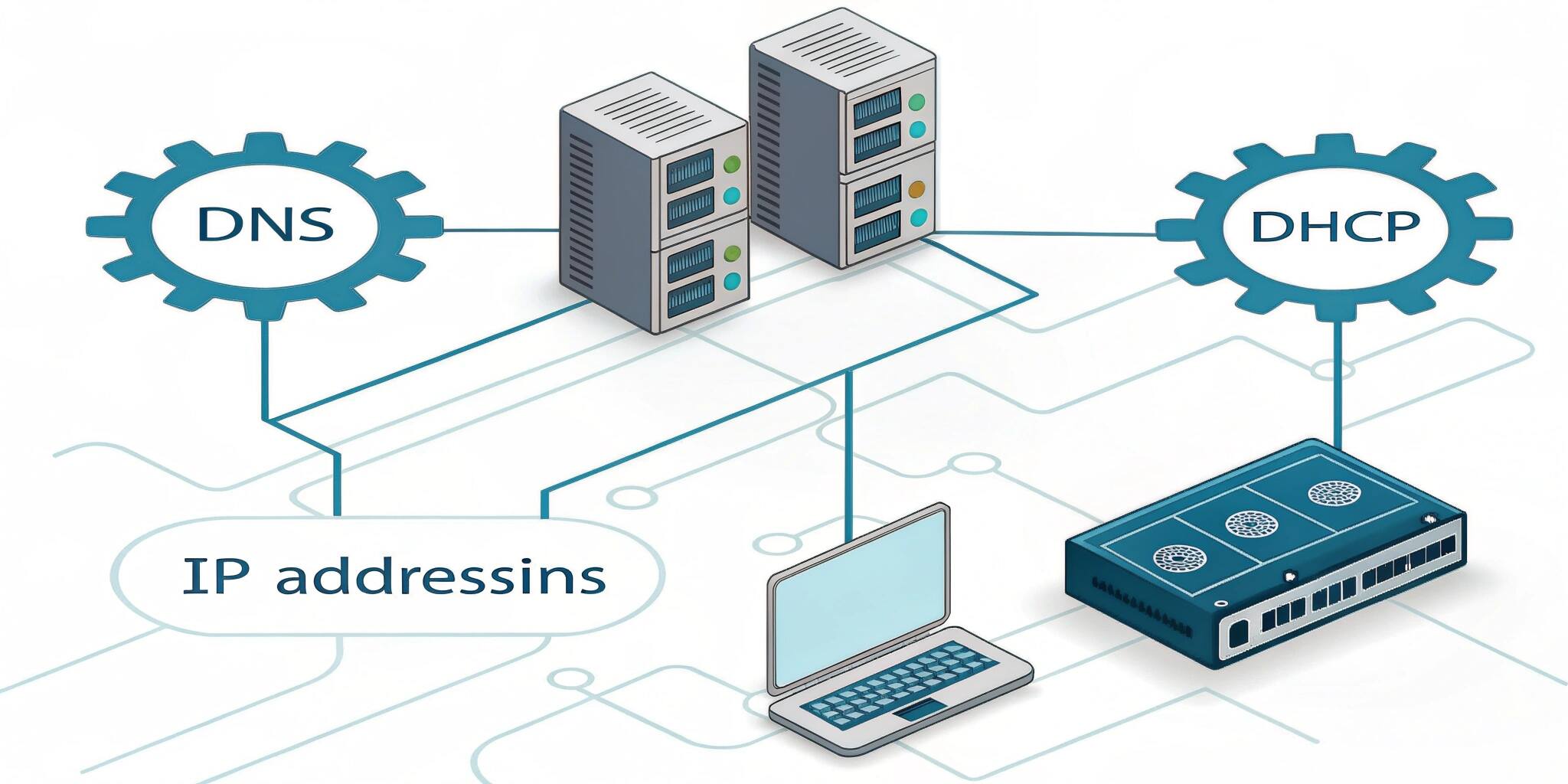
Every time you browse the web, send an email, or connect a device to Wi-Fi, you’re using networking technologies that rely on DNS, DHCP, and IP addressing. These core components of modern networking allow devices to communicate smoothly, whether in a local network or across the global internet.
Let’s break down what each of these terms means and how they work together.
1. What is IP Addressing?
An IP (Internet Protocol) address is a unique identifier for a device on a network. Just like your home address helps people find your location, an IP address helps data find the correct device.
Types of IP Addresses:
- IPv4: Most common (e.g., 192.168.1.1)
- IPv6: Newer format to handle more devices (e.g., 2001:0db8:85a3::8a2e:0370:7334)
Static vs. Dynamic IPs:
- Static IP: Manually assigned, stays the same
- Dynamic IP: Assigned automatically, can change over time
2. What is DHCP?
DHCP (Dynamic Host Configuration Protocol) is a network management protocol that automatically assigns IP addresses to devices on a network.
How DHCP Works:
- When a device joins a network, it sends a request for an IP.
- The DHCP server assigns an available IP address from a predefined range (called a pool).
- The device is given a lease for the IP, meaning it can use it for a specific period.
Benefits of DHCP:
- Simplifies network management
- Reduces IP conflicts
- Automates the configuration process
3. What is DNS?
DNS (Domain Name System) translates human-readable domain names (like google.com) into machine-readable IP addresses (like 142.250.72.206).
Why DNS is Important:
- Humans remember names, not numbers
- DNS acts like the phonebook of the internet
- Without DNS, you’d have to memorize IP addresses to visit websites
DNS Components:
- DNS Resolver: Handles queries from devices
- Root Server: First step in resolving a domain
- TLD Server: Manages extensions like .com, .org
- Authoritative Server: Holds the final IP mapping for the domain
4. How DNS, DHCP, and IP Addressing Work Together
Here’s a typical scenario of how these systems interact:
- You connect your device to a network → DHCP assigns you an IP address.
- You open a web browser and type a website name → DNS translates that name into the IP address of the website server.
- Your device uses IP addressing to send data packets to the website and receive a response.
Without this trio, the modern internet wouldn’t function.
5. Real-World Applications
Home Networks:
- Your router acts as a DHCP server assigning local IPs.
- DNS services help you access websites from your browser.
Business Networks:
- Use internal DNS for company apps.
- Use DHCP to manage hundreds or thousands of devices automatically.
- Assign static IPs to servers and printers for stability.
Cloud & Data Centers:
- Use DNS load balancing to distribute traffic.
- Rely on DHCP and IP management for dynamic scaling of servers.
6. Common Issues and Troubleshooting
- IP Conflicts: Can happen when static and dynamic IP assignments overlap.
- DNS Errors: "DNS server not responding" is a common internet issue.
- DHCP Failures: Lead to devices failing to obtain IP addresses, resulting in no network access.
Conclusion
Understanding DNS, DHCP, and IP addressing is fundamental for anyone working with computer networks, from home users to IT professionals. These systems work together to ensure smooth communication, easy device management, and reliable access to internet resources.
As networks become more complex with IoT, cloud services, and edge computing, the importance of mastering these basics grows even further.