Releasing a mobile application update is not as simple as publishing a website change. Once an app is uploaded to the Play Store or App Store, users must download the update manually. Many users delay updates for days or even weeks. This creates a serious problem: what if a newly released feature contains a bug?
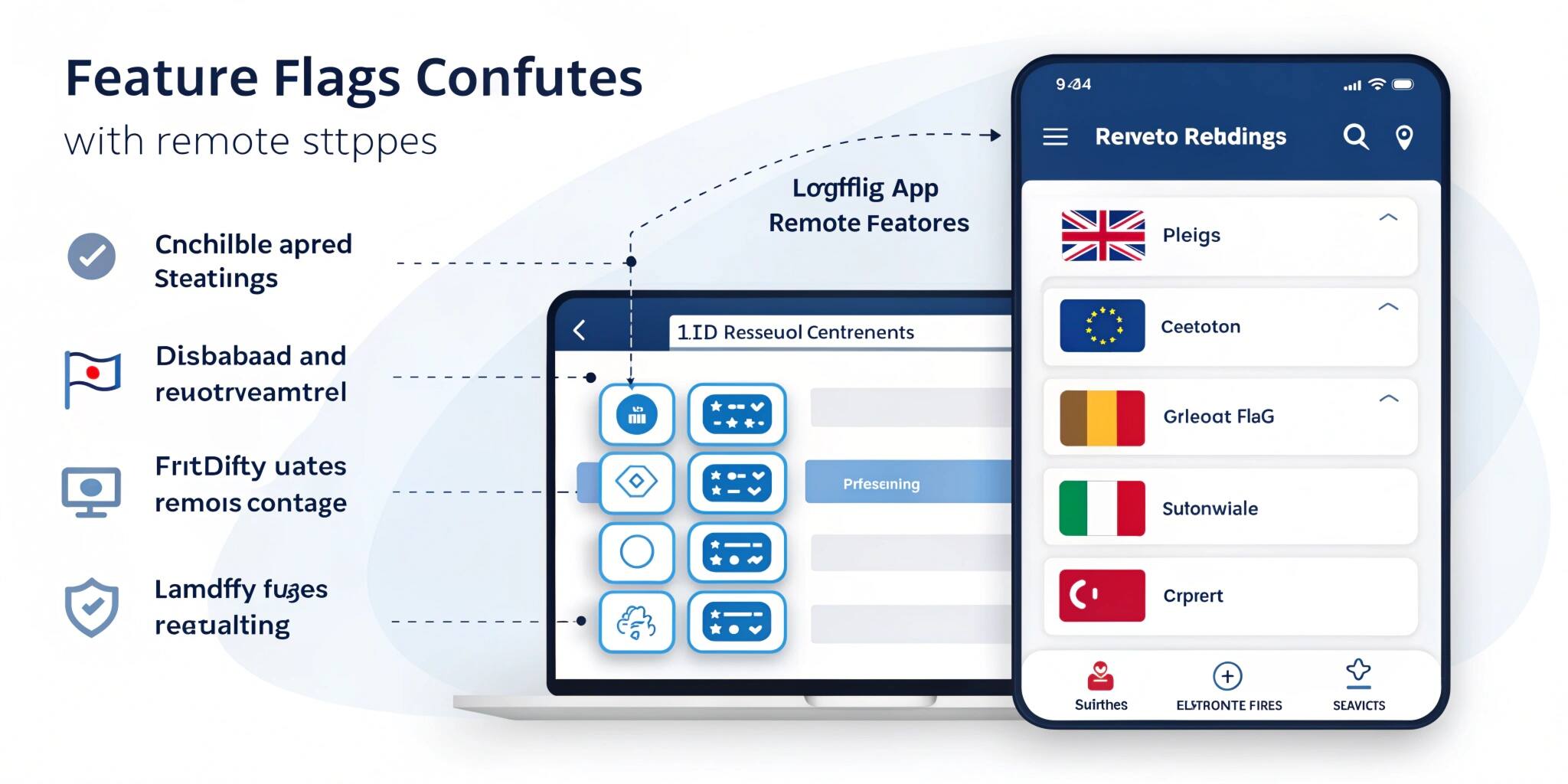
Modern mobile development solves this issue using Feature Flags and Remote Configuration. These techniques allow developers to change app behavior instantly without publishing a new version of the app.
Today, almost every large application — including payment apps, e-commerce platforms, and social media apps — relies on feature flags to control production releases safely.
What Are Feature Flags?
A feature flag (also called a feature toggle) is a switch inside the application that turns a feature ON or OFF without changing the app code.
Instead of permanently enabling a feature during development, developers wrap it in a condition.
Example:
if (feature_new_payment_enabled) {
showNewPaymentUI()
} else {
showOldPaymentUI()
}
The application already contains both versions of the feature. The only thing that changes is which one is activated.
This means developers can release the app to users but keep the feature hidden until they are confident it is stable.
What is Remote Config?
Remote configuration allows developers to control feature flags from a server instead of updating the app manually.
The most commonly used tool is Firebase Remote Config. The app fetches values from Firebase when it starts. Based on these values, the app decides which feature to show.
For example:
- Enable dark mode
- Change home screen layout
- Update discount banners
- Modify login flow
No app update is required.
Real App Example 1: Dark Mode Release
Suppose a company introduces dark mode. Releasing it to all users at once is risky because:
- Some devices may crash
- UI may break on older phones
Instead, the company enables the feature for only 10% of users using remote config.
If no issues occur, they increase it to:
25% → 50% → 100%
This is called a staged rollout.
Real App Example 2: Emergency Bug Control
Imagine a payment app releases a new checkout system, but payments start failing. Normally, developers would need to:
- Fix the code
- Submit a new version
- Wait for Play Store review
- Wait for users to update
This could take 24–72 hours.
With feature flags, developers simply switch OFF the new checkout remotely. The app instantly returns to the old system, preventing financial loss.
Real App Example 3: A/B Testing
Feature flags are also used for product experimentation.
A company wants to know which button increases purchases:
- Green “Buy Now”
- Orange “Purchase”
Using remote config:
- 50% users see green
- 50% users see orange
Analytics then show which version performs better. This is called A/B Testing and is widely used in mobile product growth strategies.
Personalization Using Remote Config
Remote config can also personalize user experience:
- New users see onboarding tutorial
- Premium users see advanced features
- Festival offers appear for specific regions
- Returning users see loyalty rewards
This improves engagement and retention.
Benefits of Feature Flags
1. Safe Deployments
Developers release code without risk. Features can be disabled instantly if something breaks.
2. Faster Releases
No need to wait for app store approvals for minor changes.
3. Continuous Delivery
Teams can push updates frequently and safely.
4. Better User Experience
Features reach users gradually instead of sudden large changes.
5. Product Experimentation
Companies test ideas using real users before committing permanently.
Best Practices
- Never hardcode feature decisions
- Always keep a fallback (default behavior)
- Remove old feature flags after release
- Monitor analytics before full rollout
- Do not overload the app with too many flags
Feature Flags vs App Updates
App UpdateFeature FlagsRequires user downloadInstant changeSlow rolloutControlled rolloutHigh riskLow riskStore approval requiredNo approval required
Conclusion
Feature flags and remote configuration have become essential in modern mobile app development. They allow teams to release faster, experiment safely, and fix production issues instantly. Instead of fearing deployments, companies now deploy confidently and continuously.
For developers and businesses, this approach transforms app releases from risky events into controlled processes. Learning feature flags and remote config is now a key skill for building scalable, production-ready mobile applications.