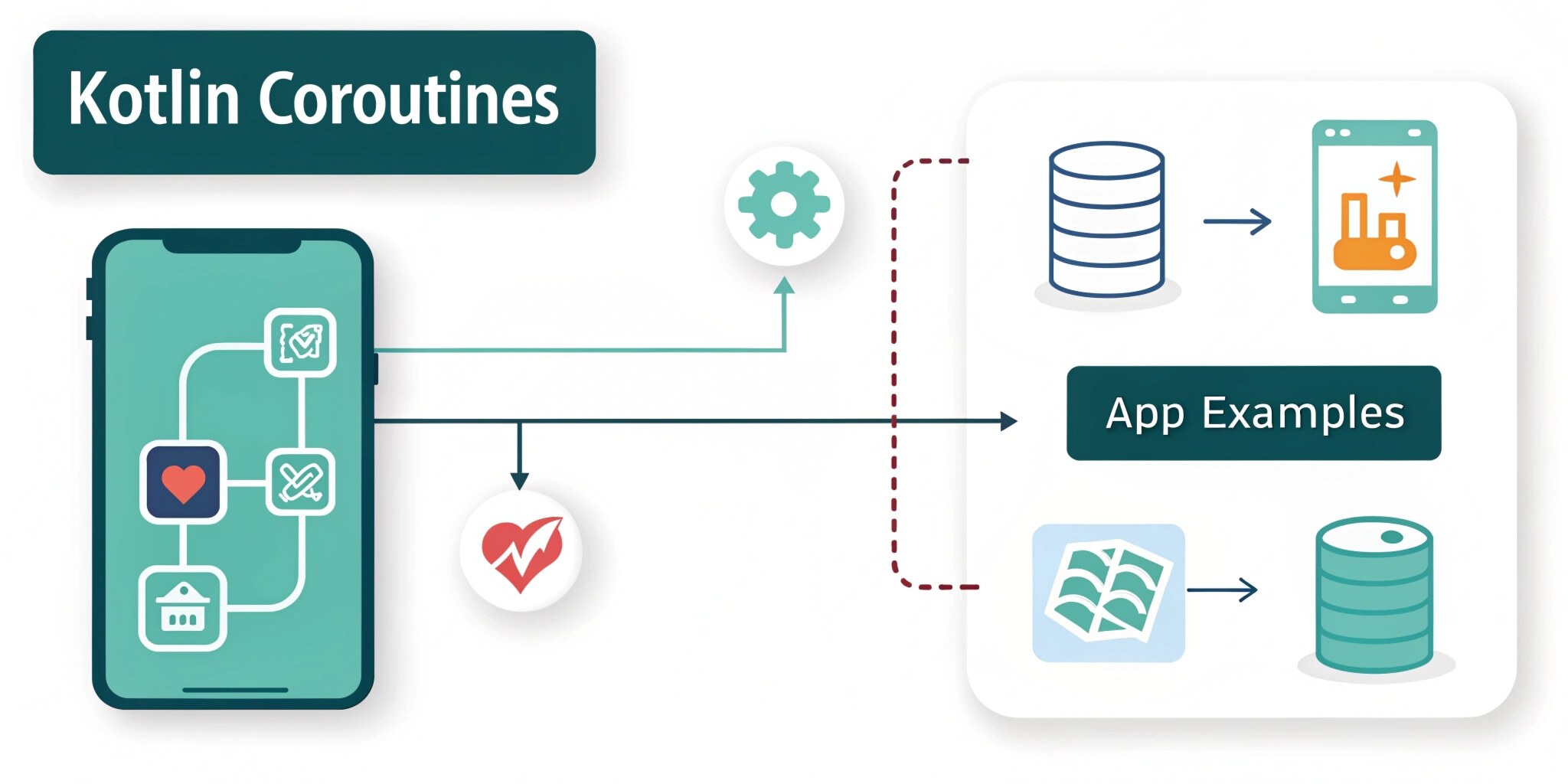
Modern Android applications constantly perform background operations such as fetching APIs, storing data locally, uploading images, and syncing notifications. If these tasks run on the main thread, the app freezes, leading to poor user experience and even application crashes. Kotlin Coroutines were introduced to solve this problem in a simpler and more efficient way.
Why Coroutines Are Needed
Before coroutines, developers relied on Threads, AsyncTask, Handlers, and callbacks. These approaches worked, but they created complicated code. Applications became difficult to maintain because of “callback hell”, where multiple nested callbacks made the code unreadable.
For example, consider a food delivery application. When a user opens the app, it must:
- Call the server to fetch restaurants
- Download images
- Store the data locally
- Update the UI
If everything runs on the UI thread, the app will freeze. Android even shows an error called ANR (Application Not Responding). Coroutines allow these tasks to run in the background while keeping the UI smooth.
What is a Coroutine?
A coroutine is a lightweight thread that performs long-running tasks asynchronously without blocking the main thread. Instead of creating multiple heavy threads, coroutines suspend their work and resume later when the result is available.
The most important keyword is suspend.
A suspend function pauses execution without blocking the thread. The app continues running normally while waiting for a result.
Example:
suspend fun fetchRestaurants(): List<Restaurant> {
return apiService.getRestaurants()
}
The function waits for the server response, but the UI does not freeze.
Coroutine Dispatchers
Dispatchers decide where the coroutine runs.
Main Dispatcher
Used for UI operations such as updating views.
Dispatchers.Main
IO Dispatcher
Used for API calls, database operations, or file storage.
Dispatchers.IO
Default Dispatcher
Used for heavy calculations like sorting or filtering data.
Dispatchers.Default
Real App Example 1: API Call (Retrofit)
When an e-commerce app loads products, it calls a remote server. Using coroutines:
viewModelScope.launch {
val products = repository.getProducts()
recyclerViewAdapter.submitList(products)
}
The API runs in the background, and the UI updates automatically after data arrives.
Real App Example 2: Room Database
Saving cart items locally:
suspend fun insertItem(item: CartItem) {
cartDao.insert(item)
}
This runs on Dispatchers.IO, preventing UI lag while saving data.
Real App Example 3: Image Upload
Uploading a profile picture in a social media app:
viewModelScope.launch(Dispatchers.IO) {
repository.uploadProfileImage(file)
}
The user can continue using the app while the upload happens.
Coroutine Scopes
Scopes control the lifecycle of coroutines.
- GlobalScope – runs forever (not recommended)
- LifecycleScope – tied to Activity/Fragment
- ViewModelScope – tied to ViewModel (recommended)
Why ViewModelScope?
Because when the screen closes, the coroutine automatically cancels, preventing memory leaks.
Structured Concurrency
Structured concurrency ensures tasks are organized and cancelled properly. If a user exits a screen, ongoing operations stop automatically.
Example: If a user closes a shopping screen, product API calls should stop. Coroutines handle this automatically, saving network and battery usage.
Coroutines vs Threads
ThreadsCoroutinesHeavyweightLightweightMemory expensiveMemory efficientComplex callbacksSimple readable codeHard to manage lifecycleLifecycle aware
Kotlin Flow
Coroutines also introduce Flow, used for continuous data streams.
Example:
- Live stock prices
- Chat messages
- Notifications
Flow emits multiple values over time, making it perfect for real-time apps like WhatsApp or live tracking apps.
Benefits of Coroutines
- Prevent UI freezing
- Cleaner code
- Easier error handling
- Lifecycle management
- Better performance
- Lower battery consumption
Conclusion
Kotlin Coroutines have become a core part of modern Android development. Almost every production-level application — including e-commerce apps, chat apps, and banking apps — relies on coroutines to manage background work efficiently.
By replacing traditional threads and callbacks, coroutines make applications faster, safer, and easier to maintain. For Android developers preparing for professional roles, understanding coroutines is no longer optional; it is a fundamental requirement.