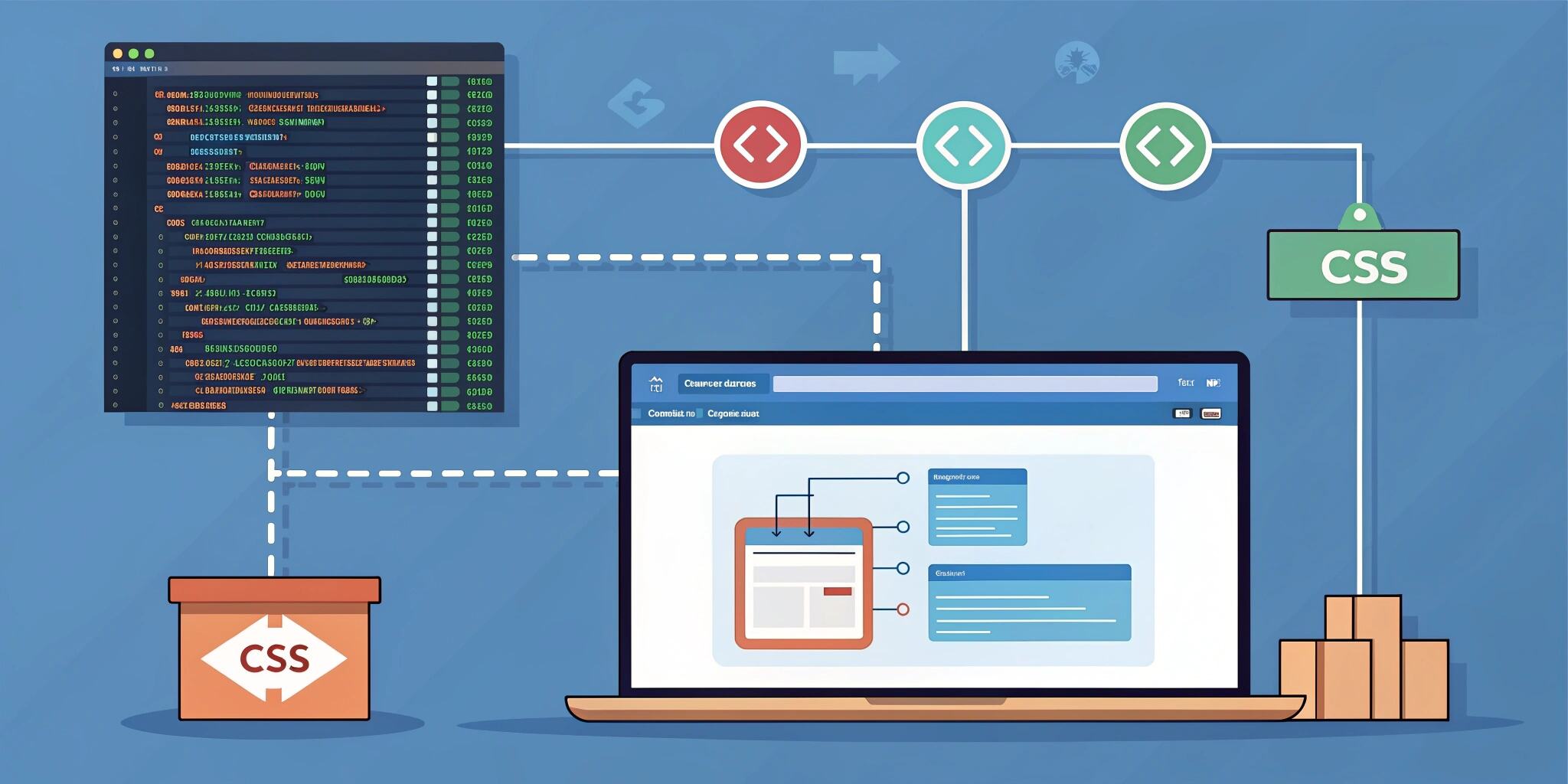
Optimizing the critical rendering path is one of the most effective strategies for improving loading performance in modern web applications. Among the many techniques available, inlining above-the-fold CSS—also known as critical CSS—has become a key practice for reducing render-blocking resources and improving how quickly users see meaningful content. When applied correctly, this technique significantly enhances First Contentful Paint (FCP), Largest Contentful Paint (LCP), and the overall user experience. In this blog, we explore how critical CSS works, why it is essential, and the best way to implement it in production environments.
The critical rendering path represents the sequence of steps the browser takes to convert HTML, CSS, and JavaScript into visible content on the screen. When external CSS files are referenced in the <head> of a webpage, the browser pauses rendering until those stylesheets are downloaded, parsed, and processed. This delay can be costly on slower networks or mobile devices, where even milliseconds impact user perception. Inlining above-the-fold CSS ensures the browser has immediate access to essential styling without fetching external files before rendering begins.
Above-the-fold CSS refers to styles required for the initial part of the page that users see without scrolling. By extracting only the necessary CSS rules and placing them directly into the HTML document, developers eliminate the need for the browser to wait for external stylesheet files. This reduces render-blocking behavior and gives the browser everything it needs to paint the first visible portion of the UI as quickly as possible.
The result is a faster initial load and improved performance metrics that matter to SEO and user engagement.
Inlining critical CSS also supports Core Web Vitals, which have become crucial ranking factors for search engines. Faster rendering contributes directly to better FCP and LCP scores, meaning users see content sooner and experience less visual delay. For companies focused on conversions, this is particularly important, as every second of delay can cost significant traffic and revenue. Faster loads lead to higher engagement, lower bounce rates, and stronger retention for web applications of all types.
Implementing inlined above-the-fold CSS can be done manually or automated using tools. Manually extracting critical CSS is possible for smaller sites, but as an application grows, automation becomes essential. Tools like Critical, Penthouse, and webpack plugins can automatically generate critical CSS during the build process. These tools analyze the rendered output, determine the above-the-fold section, extract necessary CSS rules, and place them inline in the HTML. The remaining CSS is loaded asynchronously or deferred to avoid blocking rendering. This approach keeps the main HTML lightweight while still delivering performance benefits.
Once critical CSS is inlined, developers must ensure that the remaining stylesheet does not interfere with the initial render. A common strategy is to load full CSS files using the preload and onload attributes. Preloading allows the browser to fetch the stylesheet early without delaying rendering, and applying it after initial painting ensures the entire layout remains consistent. Care must be taken to avoid flash of unstyled content (FOUC), which can occur if the non-critical CSS loads too slowly or has conflicting rules.
It’s also important to avoid inlining too much CSS. While inline CSS improves initial load times, excessive inlining can bloat the HTML document and harm performance rather than help it. The goal is to include only
what is truly required for above-the-fold content, leaving the rest to be handled by external files. Regular audits, using Lighthouse, PageSpeed Insights, or WebPageTest, help ensure that the implementation remains optimal as the application evolves.
Inlining above-the-fold CSS is not just a performance trick; it’s a proven strategy that drives better user experience, stronger SEO outcomes, and faster rendering for modern websites. When combined with lazy loading, minification, preloading, and caching strategies, it forms a powerful framework for achieving top-tier web performance across all devices.

