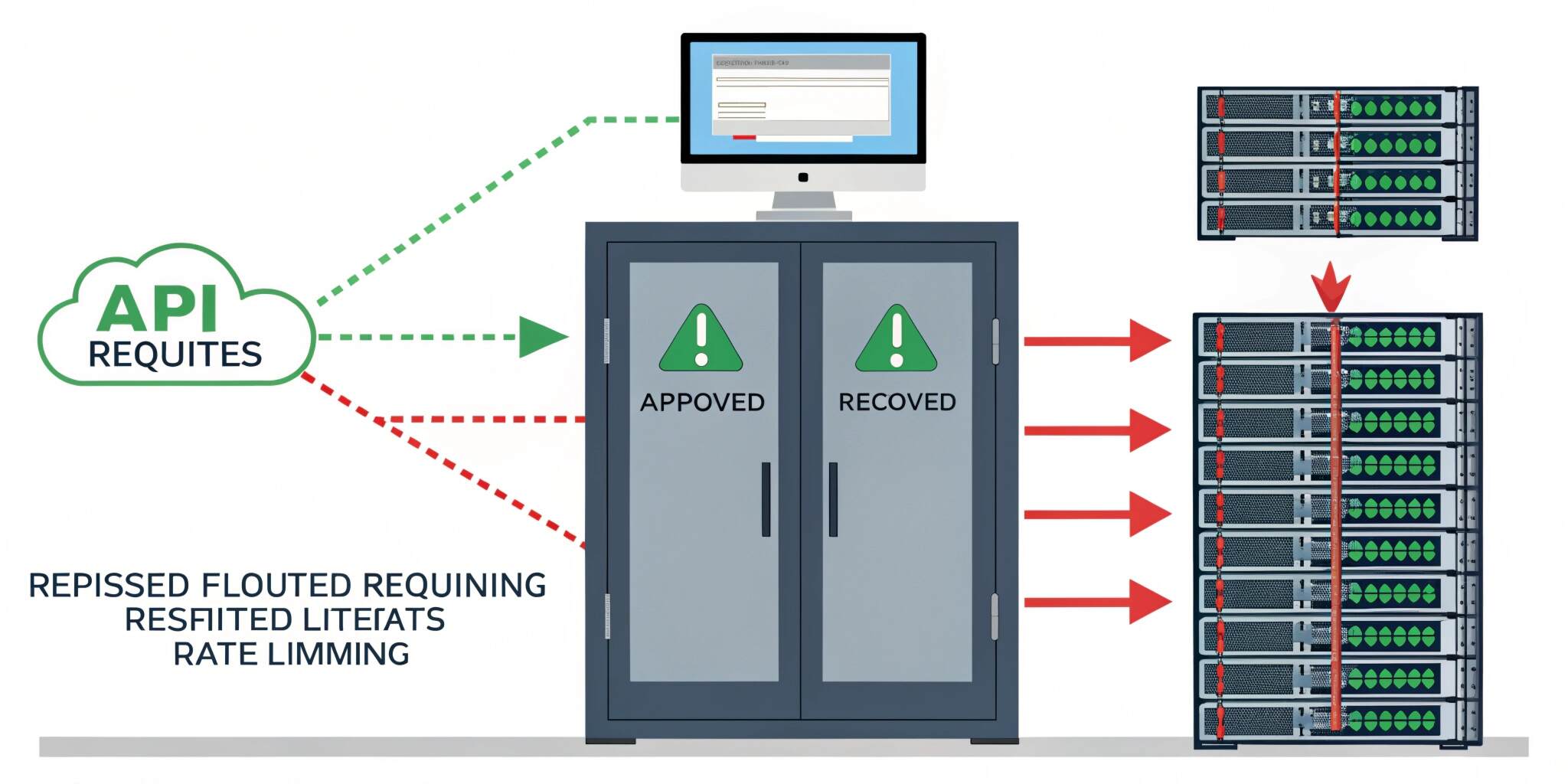
Modern applications rely heavily on APIs, whether it’s a mobile app fetching data, a web frontend calling backend services, or third-party clients integrating your platform. As API usage grows, so do the risks—sudden traffic spikes, abusive users, bots, brute-force attacks, and accidental overload from misconfigured clients. This is where rate limiting and throttling become critical.
While many developers treat these terms as interchangeable, they serve slightly different purposes and should be implemented thoughtfully to ensure a secure and smooth API experience.
What is Rate Limiting?
Rate limiting is a technique used to restrict the number of requests a client can make within a specific time period. For example:
- 100 requests per minute per IP address
- 1000 requests per hour per API key
- 10 login attempts per minute per user
Rate limiting is mainly used to:
✅ prevent API abuse
✅ protect infrastructure from overload
✅ control costs (especially on cloud-based systems)
✅ ensure fair usage across users
When a client exceeds the limit, the API typically responds with:
HTTP 429 – Too Many Requests
What is Throttling?
Throttling is the process of slowing down or delaying requests when the system is under stress, instead of blocking them immediately. Throttling helps smooth out traffic bursts and keeps services responsive.
For example:
- If the server load increases, requests may be processed more slowly
- Requests may be queued and executed gradually
- Certain users might get reduced throughput
Throttling is mainly used to:
✅ maintain API stability under heavy traffic
✅ handle bursts without crashing
✅ ensure consistent response times
Rate Limiting vs Throttling (Quick Comparison)
Rate limiting = “You can only send X requests per time window.”
Throttling = “You can send requests, but we’ll slow down processing if needed.”
Most production-grade APIs use both depending on the endpoint sensitivity.
Common Rate Limiting Algorithms
1. Fixed Window Counter
This method counts requests in a fixed time window (like 1 minute).
Example: max 100 requests/minute.
If a user makes 100 requests, the 101st request is blocked until the next window starts.
✅ Easy to implement
❌ Can allow bursts at window edges (e.g., 100 requests at 12:00:59 and 100 at 12:01:00)
2. Sliding Window Log
Stores timestamps of each request and checks how many requests happened in the last X seconds.
✅ Very accurate
❌ Memory-heavy for high traffic APIs
3. Sliding Window Counter
A hybrid approach that uses smaller windows and approximates a sliding window.
✅ Balanced and efficient
✅ Reduces burst problems
❌ Slightly complex compared to fixed window
4. Token Bucket
A “bucket” holds tokens. Each request consumes a token. Tokens refill at a fixed rate.
✅ Allows controlled bursts
✅ Very popular in API gateways
✅ Smooth and scalable
5. Leaky Bucket
Requests enter a queue and are processed at a constant rate.
✅ Great for smoothing traffic
✅ Prevents sudden bursts
❌ Can increase latency if queue grows
Where to Implement Rate Limiting
1. API Gateway Level (Recommended)
API gateways like Nginx, Kong, AWS API Gateway, or Cloudflare can enforce rate limiting before requests hit your backend.
Benefits:
- protects services early
- reduces load on application servers
- centralized configuration
2. Application Middleware
Frameworks like Node.js (Express), Laravel, Django, and Spring provide middleware or built-in tools for rate limiting.
This is useful when:
- you need per-user logic
- you want endpoint-specific rules
- you want custom plans (Free vs Premium)
3. Database or Cache Layer (Redis-based)
For distributed systems, rate limiting must work across multiple servers. Redis is commonly used to store counters or tokens.
Benefits:
- consistent limits across multiple instances
- faster than DB storage
- supports atomic operations
Best Practices for Rate Limiting & Throttling APIs
1. Use Different Limits for Different Endpoints
Not all endpoints are equal. Example:
- Login endpoint: 5 requests/minute
- Search endpoint: 30 requests/minute
- Public data endpoint: 100 requests/minute
Sensitive endpoints should have stricter limits.
2. Return Proper Error Responses
When limiting, respond with:
- HTTP 429 Too Many Requests
- Also include headers like:
- Retry-After
- X-RateLimit-Limit
- X-RateLimit-Remaining
This helps clients behave correctly.
3. Apply Limits Based on Identity
You can rate limit by:
- IP address
- API key
- user ID
- device ID
- client app (mobile/web)
A combination works best in real systems.
4. Create Usage Tiers
Offer different limits for different user plans:
- Free: 60 requests/min
- Pro: 300 requests/min
- Enterprise: custom
This improves monetization and fairness.
5. Add Burst Protection
Even if you allow 1000 requests/min, prevent sudden spikes like 500 requests in 1 second using token bucket or throttling.
6. Monitor and Log Rate Limit Events
Track:
- most rate-limited endpoints
- top abusive IPs
- unusual spikes
This helps detect attacks early and optimize limits.
Real-World Use Cases
- Preventing brute-force attacks on login APIs
- Protecting OTP/SMS endpoints from spam
- Controlling public APIs to avoid server crashes
- Handling traffic surges during flash sales or promotions
- Ensuring stable performance for all users
Final Thoughts
Rate limiting and throttling are not optional features anymore—they are essential components of modern API design. By choosing the right algorithm and implementing limits at the correct layer (gateway, middleware, or Redis), you can protect your services from abuse, ensure fair usage, and keep performance consistent even under heavy load.
A well-designed rate limiting strategy improves not only security but also reliability, user experience, and cost control—making your API production-ready and scalable.

