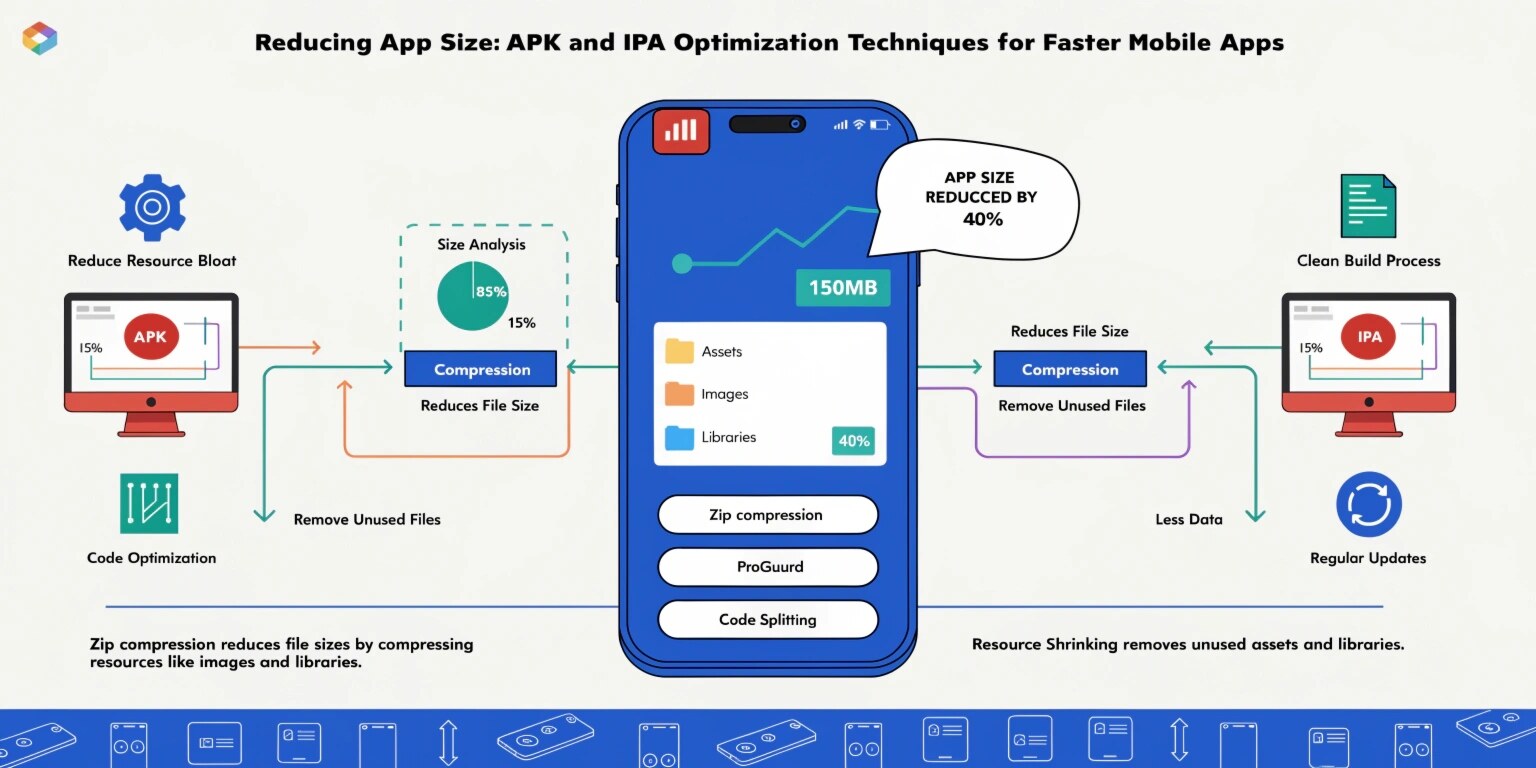
Mobile users today expect applications to download quickly, install instantly, and consume minimal storage space. However, as applications grow in features, their size often increases significantly. Large APK or IPA files can negatively affect user experience, especially in regions with slower internet speeds or limited device storage.
Studies show that users are more likely to abandon downloads if an application is too large. This is why mobile developers focus on app size optimization to ensure faster downloads, better performance, and improved user retention.
Reducing application size is not about removing features but about optimizing resources, code, and assets efficiently.
Why App Size Matters
Large mobile applications create several challenges:
- Slow download and installation times
- Higher mobile data consumption
- Increased storage usage on user devices
- Higher uninstall rates
For example, users in many emerging markets rely on limited mobile data plans. A large application may discourage them from downloading or updating the app.
Optimizing the app size ensures that users can install and update applications easily while maintaining performance.
1. Use Android App Bundles Instead of APK
One of the most effective ways to reduce Android application size is using Android App Bundles.
Instead of distributing a single large APK containing resources for every device configuration, Android App Bundles generate smaller APKs tailored to each device.
For example:
- Different screen densities
- Different CPU architectures
- Different language resources
Users download only the resources required for their device, which significantly reduces the installation size.
2. Remove Unused Resources
During development, applications accumulate unused assets such as:
- Old images
- Unused layouts
- Deprecated icons
- Unused language files
Android provides resource shrinking, which automatically removes resources not used in the application code.
This process can significantly reduce APK size without affecting functionality.
3. Enable Code Shrinking and Obfuscation
Another effective optimization technique is code shrinking using tools such as R8.
Code shrinking removes:
- Unused classes
- Unused methods
- Unnecessary libraries
It also obfuscates the code, making reverse engineering more difficult while reducing overall file size.
By eliminating redundant code, developers can significantly reduce application size.
4. Optimize Images and Media Files
Images often contribute the largest portion of app size. Many applications store high-resolution images that are not optimized for mobile devices.
Best practices include:
- Compress images using modern formats
- Use vector graphics where possible
- Reduce image resolution if unnecessary
- Avoid storing large unused media files
Image optimization tools can compress images without noticeable quality loss, reducing asset size dramatically.
5. Use Vector Graphics Instead of Multiple Images
Vector graphics scale automatically across different screen sizes. Instead of including multiple images for different resolutions, developers can use vector assets that adapt to device density.
Benefits include:
- Reduced resource duplication
- Smaller file size
- Better scalability across devices
This approach simplifies asset management while reducing application size.
6. Remove Unused Libraries and Dependencies
Many developers include third-party libraries that are only partially used. These libraries often include extra components that increase app size.
Before adding dependencies, developers should analyze whether the library is necessary.
Possible solutions include:
- Removing unused dependencies
- Replacing heavy libraries with lightweight alternatives
- Using modular libraries
Dependency management plays a critical role in keeping applications lightweight.
7. Implement Dynamic Feature Delivery
Modern Android applications support dynamic feature modules, allowing certain features to download only when users need them.
For example:
- Video editing tools
- Advanced filters
- Augmented reality modules
Instead of shipping all features in the initial installation, these modules download on demand. This keeps the base app small while still offering powerful functionality.
8. Optimize iOS IPA Size
For iOS applications, developers can reduce IPA size by:
- Using asset catalogs
- Compressing images
- Removing unused resources
- Using bitcode optimization
- Managing frameworks efficiently
These strategies ensure that iOS applications remain lightweight and efficient.
Benefits of App Size Optimization
Optimizing application size offers several advantages:
- Faster downloads and installations
- Lower mobile data consumption
- Improved app store ranking
- Better user retention
- Reduced device storage usage
Applications that are lightweight tend to have higher install rates and better user engagement.
Conclusion
Reducing mobile application size is a crucial aspect of performance optimization. As applications grow more complex, developers must implement efficient techniques to ensure that apps remain lightweight and user-friendly.
By removing unused resources, optimizing images, shrinking code, and using dynamic feature delivery, developers can significantly reduce APK and IPA sizes without compromising functionality.
In the competitive mobile app market, delivering a fast, efficient, and lightweight application can make a significant difference in user adoption and long-term success.