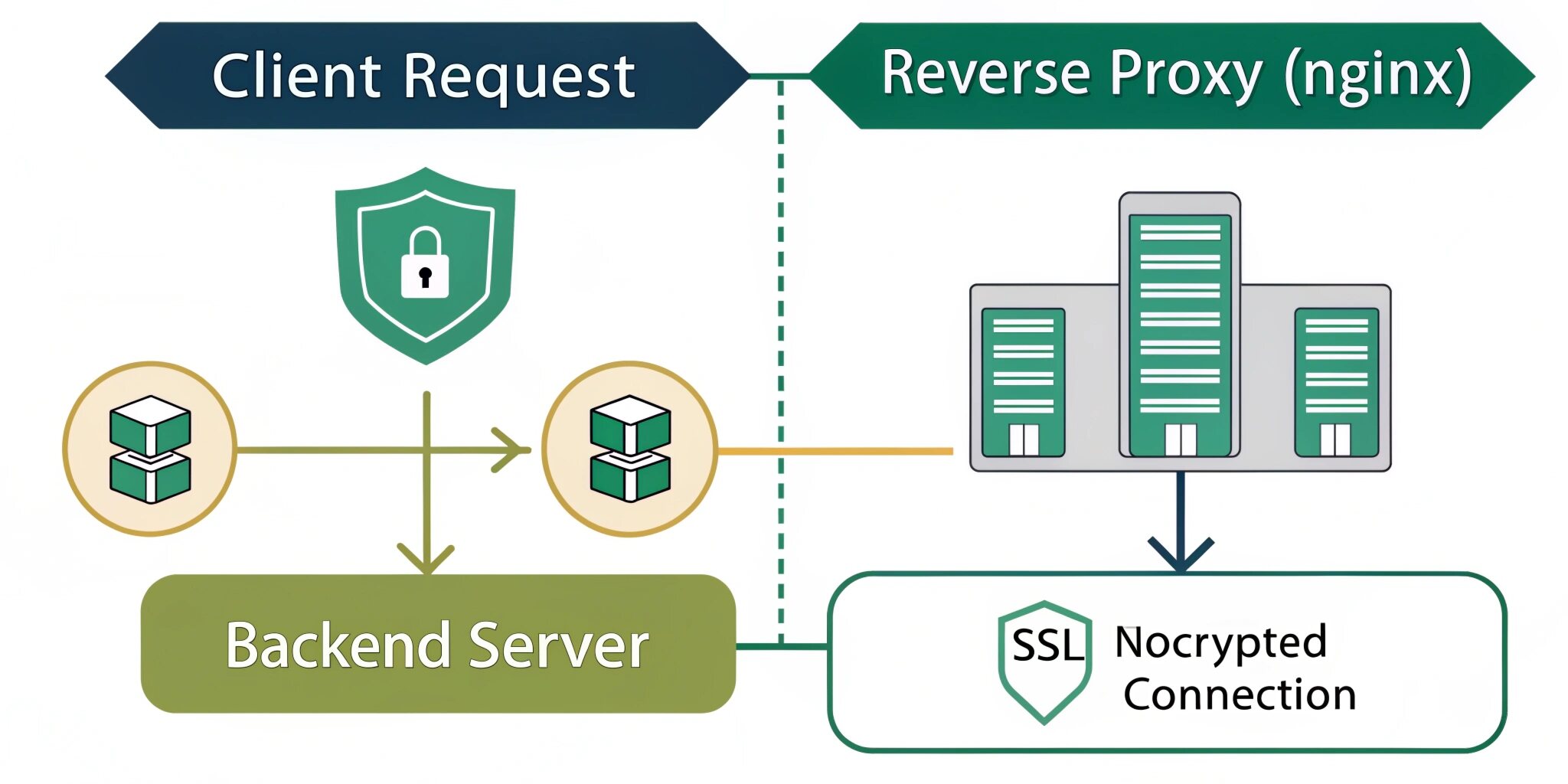
When you deploy a web application to production, users should not directly access your backend server (Node.js, Laravel, Django, etc.). Instead, modern systems place a reverse proxy in front of the application. One of the most popular tools for this is Nginx.
Nginx acts as a gateway between the user and your application server. It handles incoming requests, routes them to the correct service, manages SSL (HTTPS), and improves both performance and security.
Let’s understand how reverse proxy works and how to configure Nginx for routing and SSL.
What Is a Reverse Proxy?
A reverse proxy is a server that sits in front of backend servers and forwards client requests to them.
Flow:
User → Nginx → Application Server → Nginx → User
Instead of exposing your app server directly to the internet, users communicate with Nginx first.
Why Use a Reverse Proxy?
1. Security
Your backend server (running on port 3000, 8000, etc.) stays hidden. Attackers cannot directly access it.
2. HTTPS Handling
Nginx manages SSL certificates and encryption, so your application doesn’t need to handle HTTPS itself.
3. Performance
Nginx efficiently handles static files and concurrent connections.
4. Routing Multiple Apps
You can host multiple websites on one server using domains.
Example:
- example.com → Node app
- api.example.com → API server
- admin.example.com → Admin panel
Basic Reverse Proxy Routing
Imagine your Node.js app runs on:
http://localhost:3000
Users should visit:
https://example.com
Nginx forwards the request internally.
Conceptually:
Nginx listens on port 80/443 and forwards traffic using proxy_pass.
Nginx receives request → forwards to localhost:3000 → returns response.
Important Proxy Headers
When forwarding requests, Nginx must pass original request information.
Key headers:
- Host
- X-Real-IP
- X-Forwarded-For
- X-Forwarded-Proto
These allow your application to:
- know client IP
- detect HTTPS
- log real users correctly
Without them, your backend sees only localhost.
Hosting Multiple Applications (Domain Routing)
Nginx supports virtual hosts (server blocks).
You can route based on domain name:
- example.com → frontend React app
- api.example.com → backend API
- admin.example.com → dashboard panel
This is extremely useful in SaaS platforms.
Enabling HTTPS with SSL
HTTPS encrypts communication between browser and server. Without HTTPS:
- passwords can be intercepted
- sessions can be stolen
- browsers show “Not Secure”
Nginx makes SSL setup simple.
SSL Certificates
You need a certificate issued by a Certificate Authority (CA). Popular free option:
Let’s Encrypt
After installation, Nginx listens on port 443 and encrypts traffic using TLS.
HTTP to HTTPS Redirect
Always redirect HTTP users to HTTPS.
Why?
Users may still type:
http://example.com
Nginx automatically redirects to:
https://example.com
This prevents insecure connections.
How SSL Works with Reverse Proxy
Browser encrypts request → Nginx decrypts → sends plain request to backend.
Your application does not need to implement SSL.
Nginx handles encryption and certificate renewal.
This is called SSL termination.
Load Balancing (Bonus Feature)
If traffic grows, you can run multiple backend servers.
Nginx can distribute traffic:
User → Nginx → Server 1
User → Nginx → Server 2
User → Nginx → Server 3
This increases:
- scalability
- availability
- uptime
Serving Static Files Faster
Nginx is optimized for static content.
Instead of backend serving:
- images
- CSS
- JS
Nginx serves them directly → faster response and less backend load.
Security Best Practices
To use Nginx safely:
✔ enable HTTPS only (disable old TLS versions)
✔ set security headers (HSTS, X-Frame-Options)
✔ limit request body size
✔ block suspicious requests
✔ hide server version
✔ enable rate limiting
These steps protect against basic attacks and bots.
Common Deployment Architecture
Typical production setup:
Browser
↓
Nginx (Reverse Proxy + SSL)
↓
Application Server (Node/Laravel/Django)
↓
Database (MySQL/PostgreSQL)
This structure is used by most modern web applications and SaaS platforms.
Common Mistakes to Avoid
❌ exposing backend ports publicly
❌ not redirecting HTTP to HTTPS
❌ missing proxy headers
❌ serving large static files from backend
❌ not renewing SSL certificates
Final Thoughts
Nginx reverse proxy is a foundational skill in modern web development and DevOps. It improves security, handles SSL encryption, routes domains, and supports scalable deployments. Instead of exposing your application directly, placing Nginx in front creates a safer and more professional production environment.
Whether you deploy a simple website or a large SaaS platform, reverse proxy configuration is a must-know concept for developers and system administrators.

