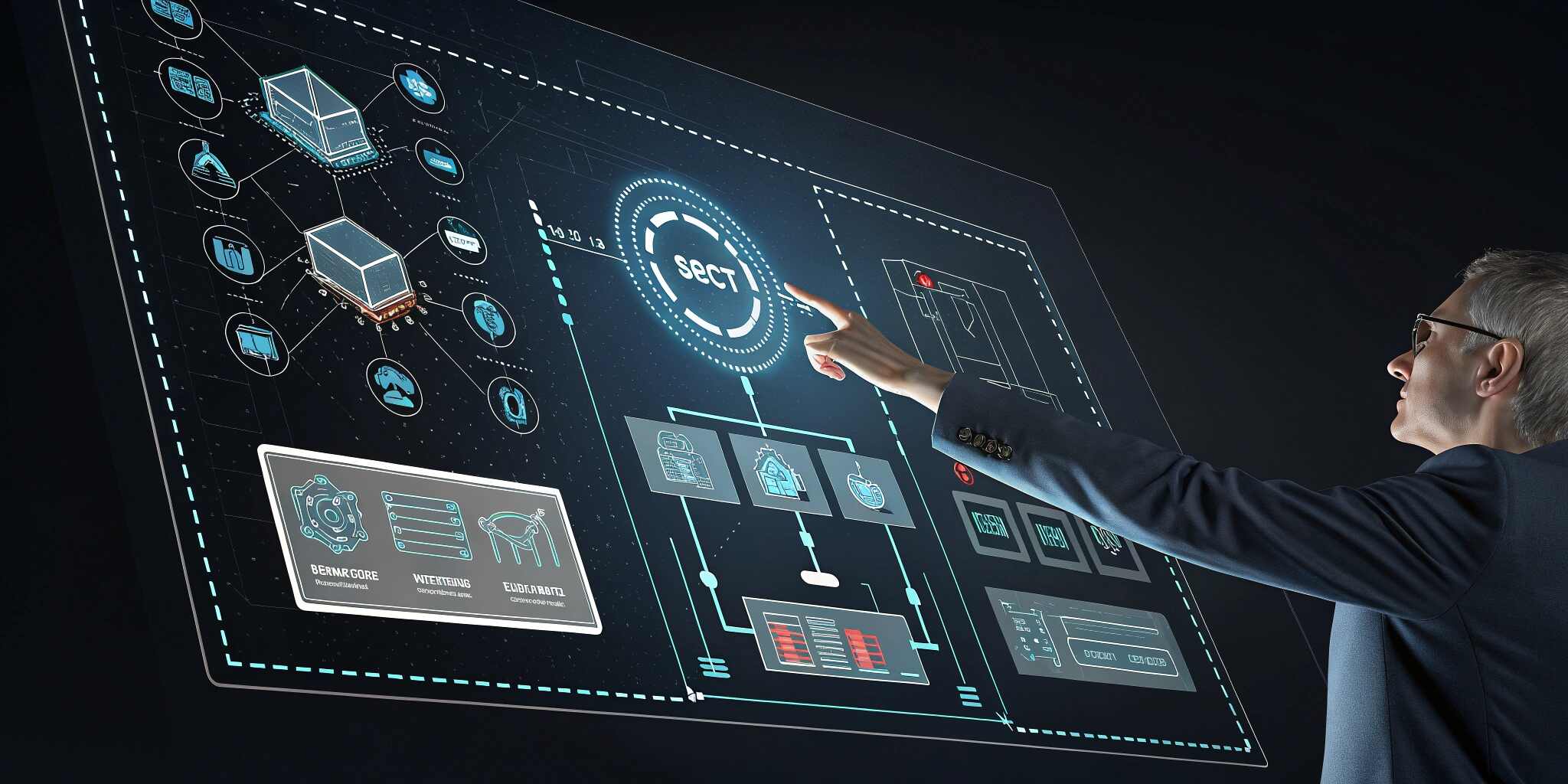
In an era where digital systems influence every aspect of our lives, the interaction between humans and computers has become more critical than ever. Human-Computer Interaction (HCI) is at the heart of designing user-friendly systems that not only function well but also enhance the user's experience. Whether you're developing enterprise software, a mobile app, or a website, understanding HCI can significantly improve your product’s success.
What is Human-Computer Interaction (HCI)?
Human-Computer Interaction is a multidisciplinary field focused on how people interact with computers and digital systems. It draws from computer science, cognitive psychology, design, and ergonomics to create systems that are efficient, intuitive, and enjoyable to use.
Core Principles of HCI in IT Design
1. Usability
Systems should be easy to learn, efficient to use, and satisfying for users. HCI emphasizes minimizing complexity and maximizing clarity in digital interfaces.
2. User-Centered Design (UCD)
UCD ensures that the needs, limitations, and preferences of users are considered at every stage of the design process, from wireframes to final deployment.
3. Accessibility
Designs should accommodate all users, including those with disabilities. Features like screen readers, high-contrast modes, and keyboard navigation are vital.
4. Feedback and Responsiveness
A well-designed interface provides feedback for user actions—loading indicators, confirmation messages, and error prompts—to reduce confusion.
5. Consistency
Interfaces should follow standard conventions in layout, color, navigation, and terminology to reduce the learning curve and cognitive load.
Real-World Applications of HCI in IT
- Enterprise Dashboards: Simplified layouts and data visualizations for quick insights
- Mobile Banking Apps: Optimized touch interfaces and secure authentication
- E-Commerce Sites: Intuitive navigation, product filters, and one-click checkout
- Healthcare Software: Accessible systems with clear instructions for non-technical users
- Smart Home Devices: Voice interaction and minimalistic control interfaces
Tools and Methods Used in HCI
- User Personas and Journey Mapping
- Wireframing and Prototyping (using tools like Figma, Adobe XD, or Sketch)
- Usability Testing with real users
- Heuristic Evaluation (Jakob Nielsen’s usability principles)
- A/B Testing for layout and feature comparison
Why HCI Matters in IT Design
- Reduces Errors: Thoughtful design minimizes user mistakes
- Improves Efficiency: Intuitive systems speed up workflows
- Enhances Satisfaction: A pleasant experience increases user retention
- Boosts Accessibility: Inclusive systems widen user reach
- Supports Business Goals: Good UX leads to better conversion rates and ROI
Common HCI Mistakes to Avoid
- Designing for aesthetics over function
- Ignoring user feedback
- Overloading users with options
- Neglecting accessibility standards
- Inconsistent navigation or interaction models
Conclusion
Human-Computer Interaction is not just about making software look good—it’s about making it usable, accessible, and aligned with human behavior. In IT design, applying HCI principles helps bridge the gap between technical functionality and user experience, ultimately leading to better software and happier users.
As technology continues to evolve, placing humans at the center of design will remain a non-negotiable in the creation of meaningful, effective digital systems