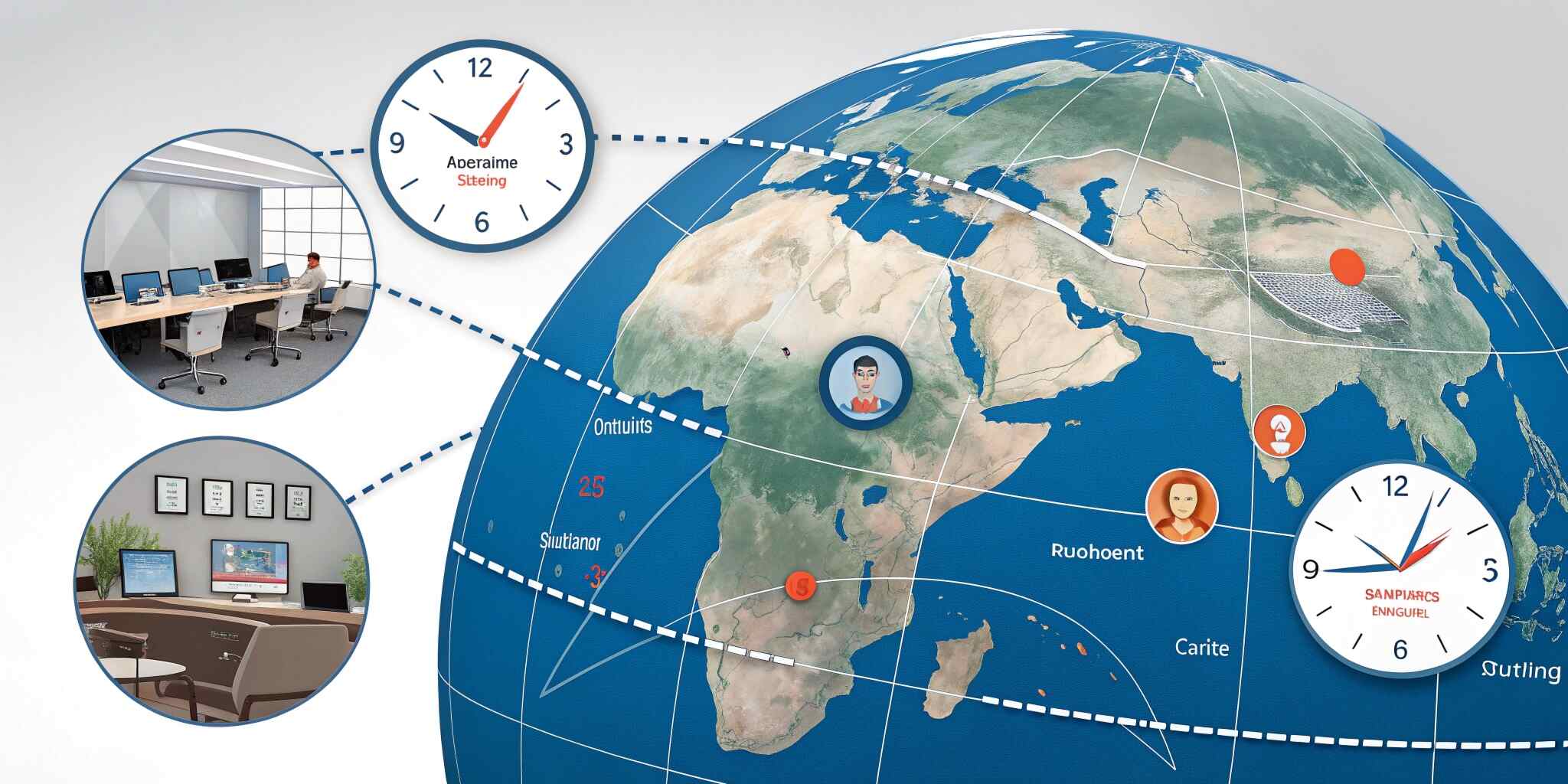
In today’s global IT industry, working with overseas clients has become the norm. Companies in India often collaborate with clients in the US, UK, Canada, Europe, UAE, and Australia for web development, mobile apps, software solutions, and digital marketing. While this opens great opportunities, it also brings one major challenge—time zone differences. Effective time zone management with overseas clients is essential to maintain smooth communication, avoid project delays, and build long-term trust.
Why Time Zone Management Matters in IT Projects
In IT services, communication impacts delivery. A small delay in approvals, requirement clarifications, or feedback can slow down development timelines. When teams and clients operate in different time zones, even a simple question can take 24 hours to resolve if there’s no proper system.
Time zone management helps ensure:
- Faster decision-making and approvals
- Better project coordination
- Reduced communication gaps
- Improved client satisfaction
- Higher chances of long-term retention
Understand the Client’s Time Zone and Work Culture
The first step is understanding the client’s location and working hours. Different regions follow different work styles. For example:
- US clients often prefer calls in their morning hours
- UK clients may prefer afternoon meetings
- UAE clients may work on different weekends
- Australian clients may require earlier IST meetings
It’s important to respect their work schedule and not assume that they will adjust to your time zone.
Create an Overlap Window
The best practice in global project management is establishing an overlap window—a fixed time when both teams are available.
For example, Indian IT teams can create overlap windows like:
- 6:00 PM – 9:00 PM IST (works for UK/Europe)
- 7:30 PM – 11:00 PM IST (works for US morning)
This overlap window becomes the standard time for calls, approvals, and quick discussions.
Use Tools for Scheduling and Time Conversion
Manual time conversion can lead to mistakes and missed meetings. IT companies should use scheduling tools such as:
- Google Calendar with multiple time zones
- Calendly for client meeting booking
- World Time Buddy for time conversion
- Slack/Teams time zone settings
These tools make scheduling easy and reduce confusion.
Plan Communication Frequency Clearly
Time zone gaps can create anxiety if clients don’t receive updates regularly. A strong communication plan avoids misunderstandings.
Set clear expectations like:
- Daily update via Slack/email
- Weekly progress call
- Sprint-based reporting (Agile approach)
- Shared project tracker (Jira/Trello/ClickUp)
Clients feel confident when they see consistent progress and structured reporting.
Reduce Dependency Through Documentation
A major mistake teams make is depending only on calls. If clients are not available, progress stops.
To avoid delays:
- Document requirements properly
- Share meeting notes immediately
- Maintain task boards with clear status
- Use recorded demos for updates
- Share screen recordings for explanations
Documentation ensures continuity even when teams are working at different times.
Follow “Asynchronous Communication” Best Practices
Asynchronous communication means working without needing immediate responses. This is extremely useful in time zone management.
Examples include:
- Writing detailed messages instead of short texts
- Asking multiple questions in one message
- Sharing screenshots or Loom videos
- Giving clear next steps and deadlines
This reduces back-and-forth communication and saves time.
Handle Urgent Situations Smartly
Sometimes, urgent issues like bugs, downtime, or production errors require immediate response. For overseas clients, this can happen during odd hours.
To handle this professionally:
- Define escalation process in advance
- Assign on-call support (if needed)
- Maintain emergency contact channels
- Keep SLAs for support response times
Clients trust companies that have a plan for emergencies.
Set Boundaries to Avoid Burnout
Time zone management should not mean working 24/7. IT teams must maintain boundaries to avoid burnout.
Companies can:
- Rotate late shifts among team members
- Set fixed meeting slots only
- Avoid unnecessary calls
- Encourage asynchronous updates
- Respect internal work-life balance
Healthy teams deliver better results.
Conclusion
Time zone management with overseas clients is not just about scheduling meetings—it is about building a system that ensures smooth communication, faster approvals, and consistent progress. By setting overlap windows, using scheduling tools, improving documentation, and adopting asynchronous communication, IT companies can work efficiently with global clients and deliver projects successfully without delays.