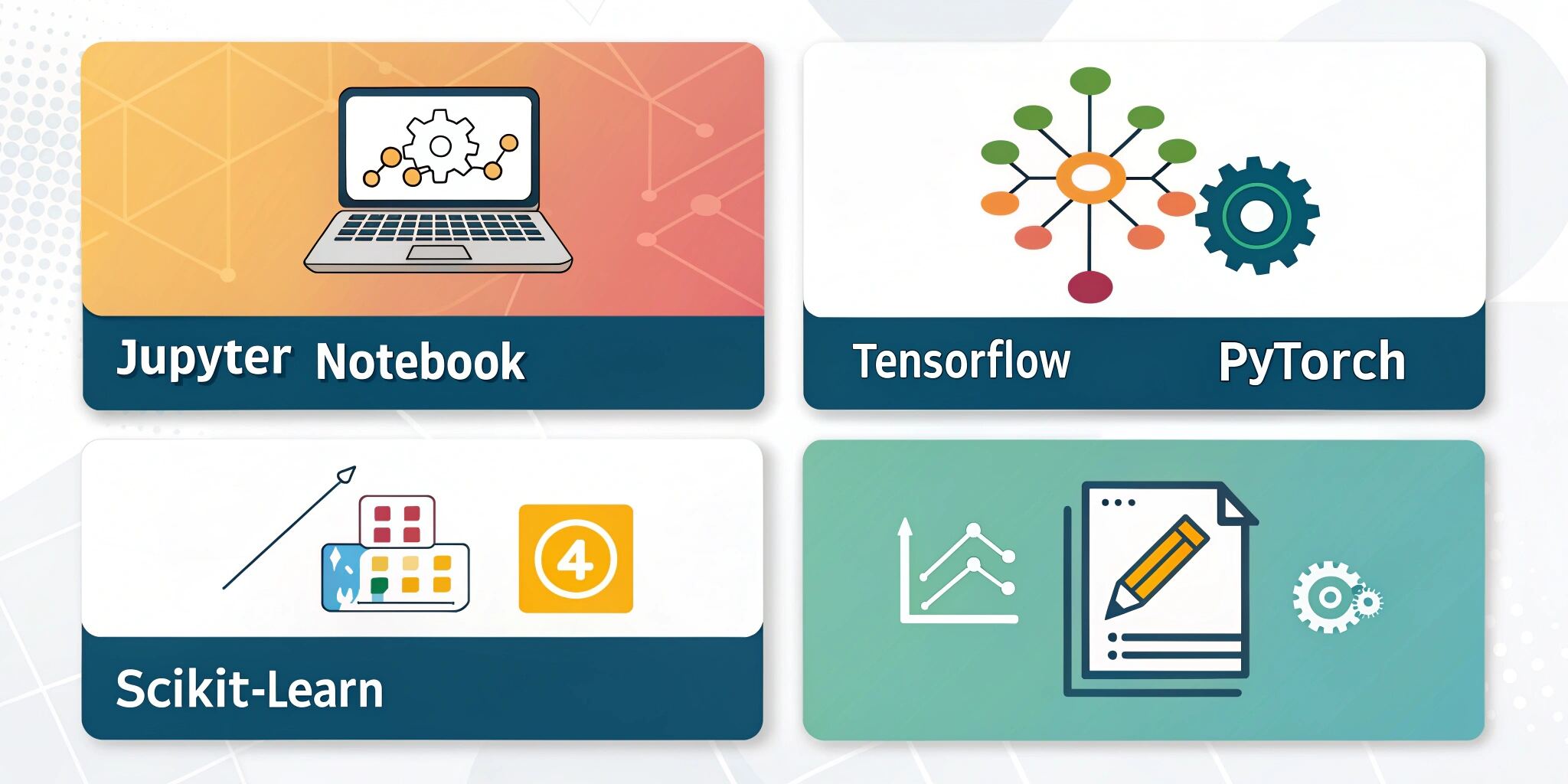
Machine learning (ML) is one of the most exciting fields in AI, but beginners often struggle with the cost of software, infrastructure, and resources. Fortunately, several powerful free tools make it possible to learn and experiment with ML without breaking the bank. In this blog, we’ll highlight the top free ML tools that every beginner should explore.
1. Google Colab
- What it is: A cloud-based Jupyter Notebook environment.
- Why it’s useful: Free GPU/TPU access, easy Python integration, and no installation required.
- Best for: Students and beginners who want to train models without local hardware limitations.
2. Jupyter Notebook
- What it is: An open-source web app for interactive computing.
- Why it’s useful: Ideal for coding, data visualization, and step-by-step ML tutorials.
- Best for: Hands-on practice and data exploration.
3. Scikit-learn
- What it is: A free Python library for ML.
- Why it’s useful: Offers ready-to-use algorithms for regression, classification, clustering, and preprocessing.
- Best for: Beginners who want to apply ML concepts quickly.
4. TensorFlow (Open Source)
- What it is: A widely used ML and deep learning framework by Google.
- Why it’s useful: Robust ecosystem with visualization (TensorBoard), deployment tools, and scalability.
- Best for: Building deep learning projects from scratch.
5. PyTorch
- What it is: A deep learning framework developed by Facebook.
- Why it’s useful: More beginner-friendly than TensorFlow with dynamic computation graphs.
- Best for: Experimentation, research, and learning neural networks.
6. Keras
- What it is: A high-level neural networks API built on TensorFlow.
- Why it’s useful: Simple, fast prototyping with minimal code.
- Best for: Beginners who want an easy entry into deep learning.
7. Kaggle
- What it is: A platform for data science competitions and ML practice.
- Why it’s useful: Provides free datasets, kernels (code notebooks), and community learning.
- Best for: Practice with real-world datasets and building a portfolio.
8. RapidMiner (Free Edition)
- What it is: A visual data science and ML platform.
- Why it’s useful: Drag-and-drop interface for non-coders.
- Best for: Beginners who prefer low-code ML model development.
Conclusion
Getting started with machine learning doesn’t have to cost a fortune. Tools like Google Colab, Scikit-learn, PyTorch, and Kaggle provide everything you need to practice, experiment, and build ML projects for free. By leveraging these platforms, you can strengthen your skills and move toward more advanced AI development.