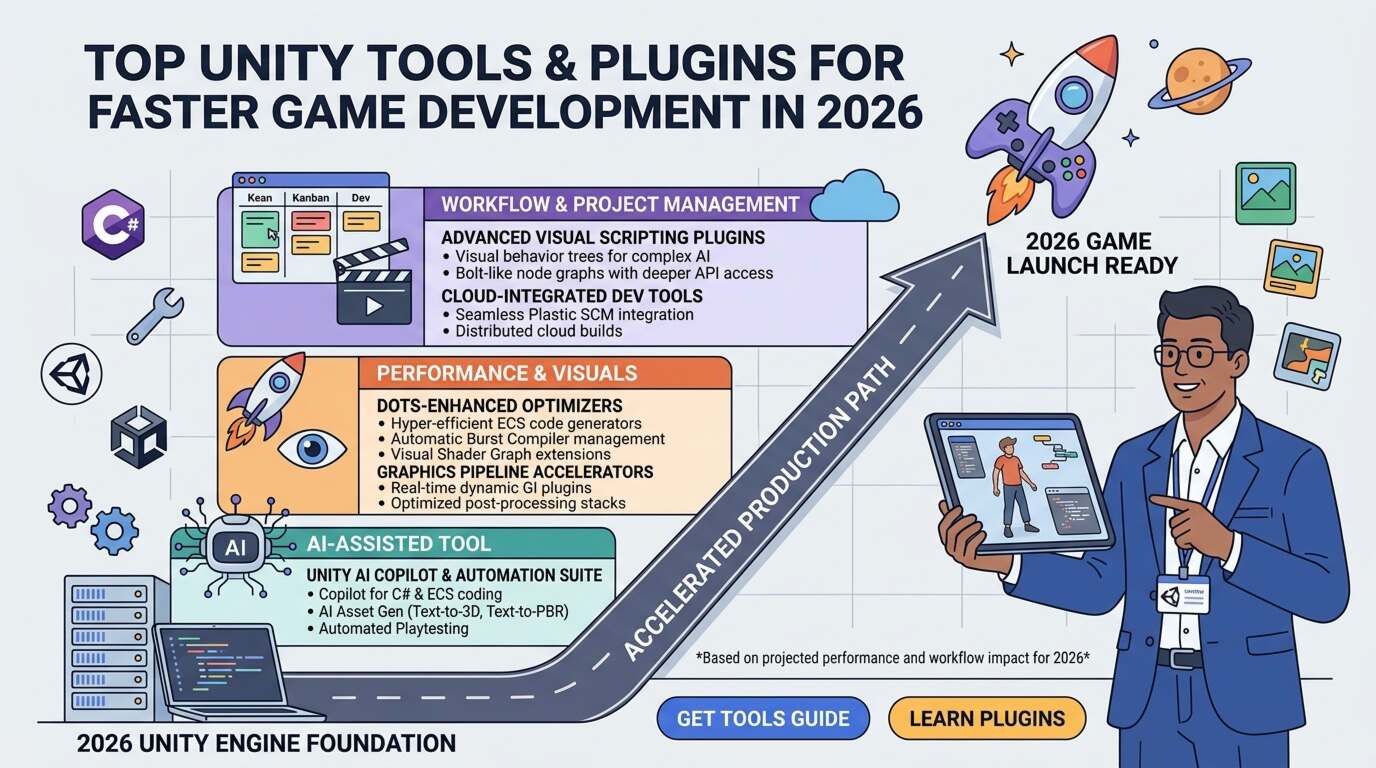
Top Unity Tools and Plugins for Faster Game Development
Game development has become increasingly competitive, making faster production cycles essential for developers and studios alike. While Unity already provides a powerful engine for creating 2D, 3D, AR, and VR games, the real productivity boost comes from using the right tools and plugins. These extensions automate repetitive tasks, simplify complex systems, and improve overall workflow.
Whether you're building a casual mobile game, an immersive RPG, or a multiplayer experience, the following Unity tools can dramatically reduce development time and improve project quality.
1. Odin Inspector
Odin Inspector is one of the most popular Unity editor extensions available today. It enhances the Unity Inspector by allowing developers to create better editor interfaces without writing custom editor scripts.
Benefits:
- Cleaner Inspector interface
- Faster debugging
- Better serialization
- Improved productivity
- Custom attributes with minimal code
This plugin is especially valuable for large development teams where maintaining clean workflows is critical.
2. DOTween
Animation is everywhere in modern games. DOTween is a lightweight tweening engine that makes object movement, UI transitions, camera animations, and visual effects much easier.
Features:
- High performance
- Easy scripting API
- Smooth animations
- Low memory usage
- Excellent documentation
Instead of manually writing interpolation code, developers can create polished animations within minutes.
3. Cinemachine
Professional-quality camera movement usually requires significant coding effort. Cinemachine automates camera behaviors while producing cinematic gameplay experiences.
Advantages:
- Dynamic camera tracking
- Automatic framing
- Virtual cameras
- Smooth transitions
- Built-in camera blending
It is ideal for platformers, racing games, RPGs, and action games.
4. ProBuilder
Level designers often need to prototype environments quickly. ProBuilder allows developers to create and edit 3D geometry directly inside Unity without external modeling software.
Why developers love it:
- Rapid level prototyping
- Mesh editing
- UV editing
- Collision generation
- Easy environment creation
It significantly speeds up early-stage development.
5. A* Pathfinding Project
Creating intelligent NPC movement can be difficult. The A* Pathfinding Project offers advanced pathfinding algorithms suitable for both 2D and 3D games.
Features:
- Grid navigation
- Point graphs
- Recast navigation
- Dynamic obstacles
- AI movement scripts
It's commonly used in strategy games, RPGs, survival games, and simulation titles.
6. Easy Save
Game saving systems often consume valuable development time. Easy Save provides a reliable solution for storing player progress, settings, inventory, and game data.
Benefits:
- Auto-save functionality
- Cloud save compatibility
- Encryption support
- JSON serialization
- Cross-platform support
Developers can implement save systems in hours rather than days.
7. Mirror Networking
Multiplayer games continue to dominate the gaming industry. Mirror Networking is one of the most trusted open-source networking solutions for Unity.
Supports:
- Dedicated servers
- LAN multiplayer
- Online multiplayer
- Matchmaking
- Player synchronization
Mirror is widely adopted because of its reliability and active community support.
8. Final IK
Character animation often requires realistic interactions with environments. Final IK provides professional inverse kinematics solutions.
Use cases:
- Foot placement
- Hand interaction
- Weapon aiming
- VR avatars
- Character posing
It helps developers create natural-looking character movement without extensive animation work.
9. TextMesh Pro
Although now integrated into Unity, TextMesh Pro remains one of the most important tools for UI development.
Advantages:
- Crisp text rendering
- Rich text formatting
- Dynamic fonts
- Better localization
- Professional UI appearance
Games with polished interfaces often rely heavily on TextMesh Pro.
10. Visual Scripting
Unity's built-in Visual Scripting enables designers and non-programmers to build gameplay mechanics without writing traditional code.
Perfect for:
- Rapid prototyping
- Team collaboration
- Learning Unity
- Small projects
- Educational games
It allows artists and designers to contribute directly to gameplay development.
Additional Productivity Tools
Several other plugins can further streamline development:
- Addressables for efficient asset management
- Shader Graph for visual shader creation
- Timeline for cinematic sequences
- Input System for modern input management
- Profiler for performance optimization
- Package Manager for dependency management
- Plastic SCM for version control
Together, these tools create a highly efficient development pipeline.
Choosing the Right Plugins
Not every plugin is necessary for every project. Before purchasing or integrating any tool, consider:
- Project size
- Team expertise
- Target platform
- Budget
- Performance impact
- Community support
- Documentation quality
- Long-term maintenance
Selecting only the plugins that genuinely improve your workflow helps keep projects organized and manageable.
Best Practices
To maximize the benefits of Unity plugins:
- Keep plugins updated.
- Avoid unnecessary dependencies.
- Test compatibility before upgrading Unity versions.
- Remove unused assets regularly.
- Use version control before importing large packages.
- Monitor performance after integration.
These practices ensure your project remains stable and maintainable.
Conclusion
Unity's extensive ecosystem of tools and plugins enables developers to build games faster without sacrificing quality. Whether you're simplifying animations with DOTween, creating intelligent AI using the A* Pathfinding Project, designing levels with ProBuilder, or implementing multiplayer through Mirror Networking, the right plugins can dramatically reduce development time.
As game development grows increasingly complex, leveraging trusted Unity tools is no longer just a convenience—it's a competitive advantage. By investing in the right extensions and following best practices, developers can focus more on creativity and gameplay while spending less time on repetitive technical tasks