Introduction
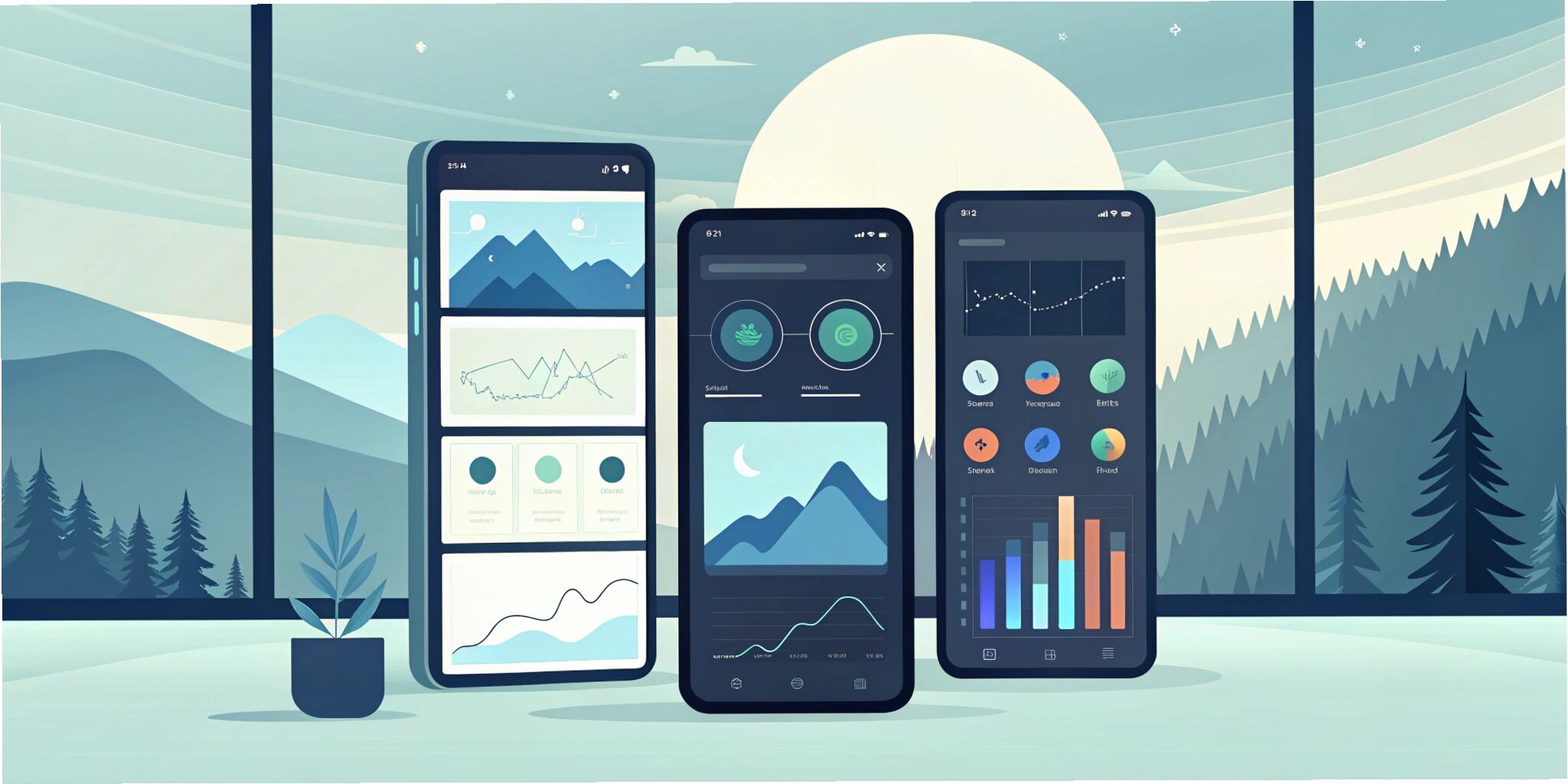
User experience (UX) and user interface (UI) design are at the heart of every successful digital product. As technology evolves, so do design trends. In 2025, three key trends are reshaping how users interact with digital platforms: Dark Mode, High Contrast Interfaces, and Glass/Neo-Morphisms. These styles are not just about looks; they influence accessibility, usability, and user engagement across apps, websites, and software solutions.
This blog explores these design trends, their benefits, and how businesses can integrate them into their digital experiences.
1. Dark Mode – The Evergreen Favorite
Dark Mode has become one of the most popular UI features in recent years. It switches the background to darker shades while using light-colored text and elements for contrast.
Why It Works:
- Reduced Eye Strain: Especially helpful for low-light environments.
- Battery Saving: On OLED screens, Dark Mode consumes less power.
- Modern Aesthetic: Offers sleek, minimal, and futuristic visuals.
- User Control: Many users now expect the option to toggle between light and dark themes.
Best Practices for Dark Mode:
- Ensure proper contrast between text and background.
- Avoid pure black; use deep gray for comfort.
- Maintain branding consistency with color accents.
Dark Mode has moved from being a trend to a standard feature across platforms like iOS, Android, and popular apps.
2. High Contrast Design – Accessibility First
Accessibility is no longer optional; it’s a necessity. High Contrast design ensures content is easy to read and navigate for all users, including those with visual impairments.
Why It Matters:
- Improves Readability: Clear text and distinct UI elements.
- Inclusive Design: Meets WCAG (Web Content Accessibility Guidelines).
- Brand Image: Showcases commitment to inclusivity.
Examples:
- Using bold text against solid backgrounds.
- Color schemes optimized for color blindness.
- Strong focus on legibility in buttons, forms, and icons.
Best Practices:
- Test designs with accessibility tools.
- Use contrasting colors that pass WCAG contrast ratio standards.
- Provide customization options like font resizing and color themes.
High Contrast design is essential in sectors like finance, healthcare, and education, where clarity is paramount.
3. Glassmorphism & Neumorphism – The Aesthetic Edge
In addition to functionality, UI design also focuses on aesthetics. Two styles, Glassmorphism and Neumorphism, are trending for their futuristic appeal.
Glassmorphism:
- Inspired by frosted glass.
- Features blurred backgrounds, transparency, and soft borders.
- Creates depth and layering while maintaining elegance.
- Popular in dashboards, cards, and widgets.
Neumorphism (Neo-Morphism):
- Combines skeuomorphism (real-world mimicry) and flat design.
- Uses subtle shadows to create “soft” 3D elements.
- Creates tactile interfaces with a minimal yet realistic feel.
Pros:
- Enhances modern and premium feel of digital products.
- Works well for apps, websites, and product interfaces.
Cons:
- Accessibility challenges (low contrast).
- Requires careful use to avoid usability issues.
Brands using Glassmorphism and Neumorphism effectively can stand out with unique, modern, and engaging designs.
Combining the Trends
Dark Mode, High Contrast, and Glass/Neo-Morphisms are not mutually exclusive. When applied together thoughtfully:
- Dark Mode can pair beautifully with Glassmorphism for futuristic aesthetics.
- High Contrast ensures accessibility while keeping interfaces functional.
- Neumorphism adds depth without overwhelming usability.
By blending these trends, designers can deliver visually stunning yet practical experiences.
Future Outlook
The future of UI/UX is about balance — aesthetics, accessibility, and performance. While Glassmorphism and Neumorphism appeal to visual creativity, Dark Mode and High Contrast serve functionality and inclusivity. Businesses that prioritize both design and user needs will win customer trust and engagement.
As AI-driven personalization grows, we may see UI designs that auto-adjust themes based on context — for example, switching between Dark Mode and High Contrast depending on user environment and preferences.
Conclusion
UI/UX trends in 2025 highlight the importance of Dark Mode, High Contrast, and Glass/Neo-Morphisms. These design styles enhance usability, accessibility, and aesthetics while aligning with modern user expectations. Businesses adopting these trends will not only stay relevant but also provide better user experiences, leading to stronger engagement and brand loyalty.

